Open the post
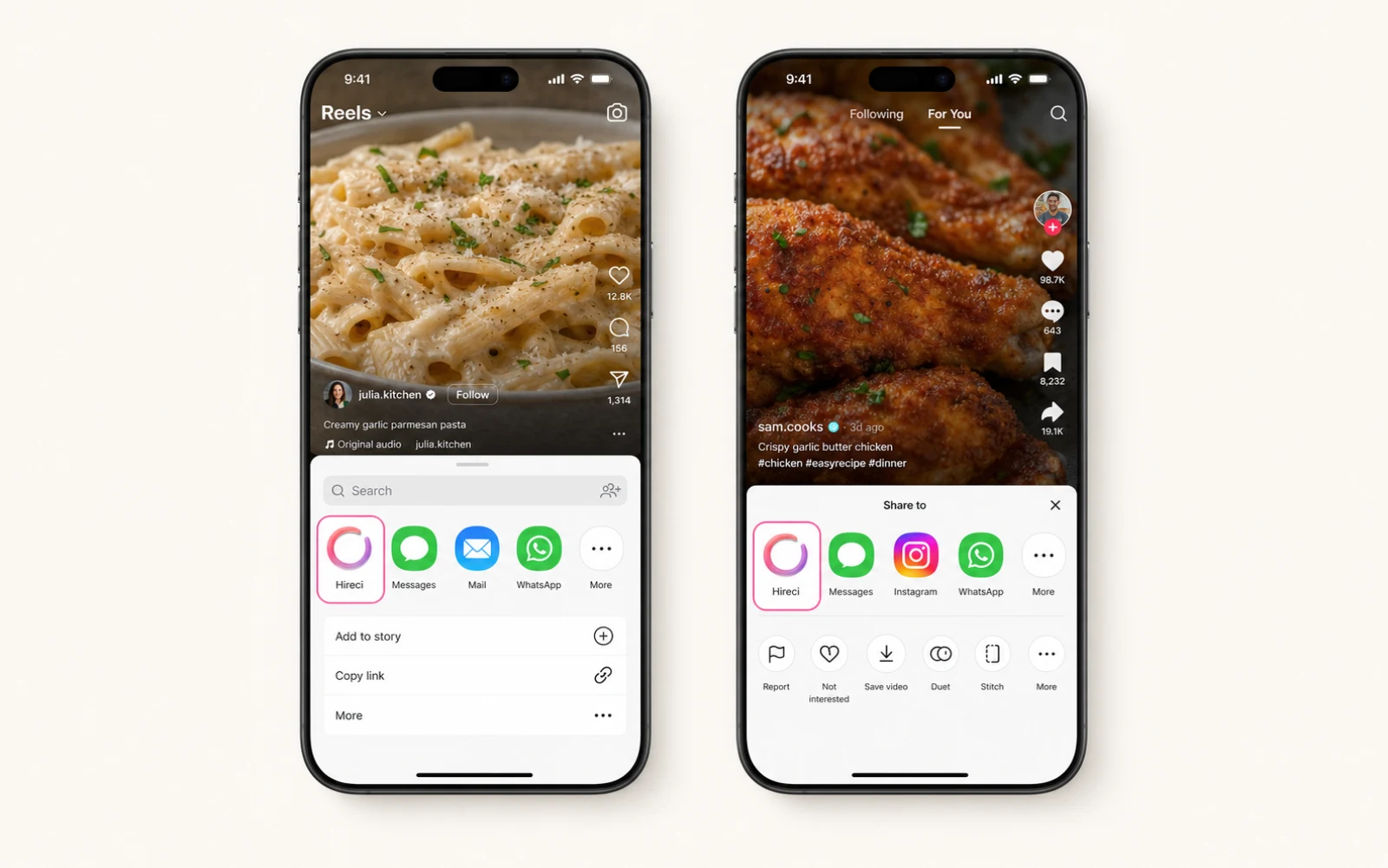
Choose the public Facebook Reel or food post you want to cook later.
Facebook recipe saver for iPhone
Move a public Facebook food post into Hireci while you can still see it. Keep the source, cover, and available recipe details together in your own searchable cookbook.
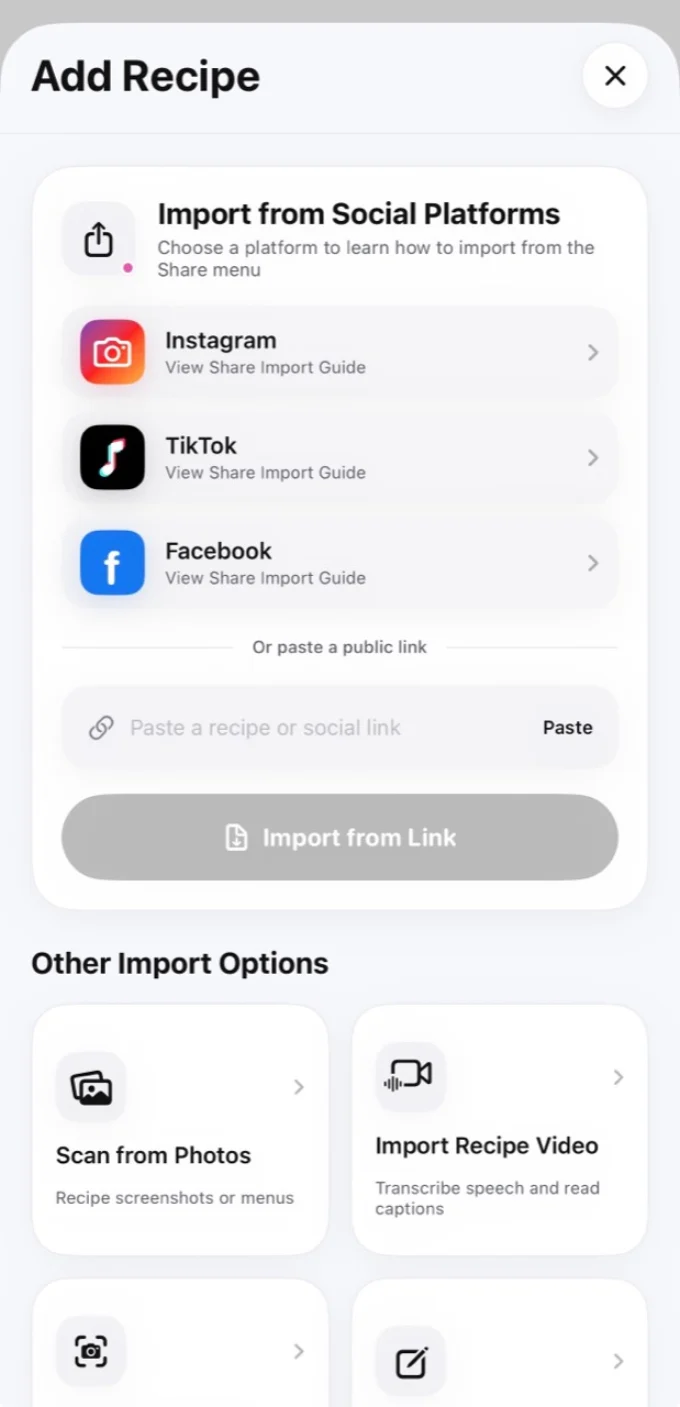
Share the public food post directly or paste its link into Hireci when the iOS share option is not available.
Choose the public Facebook Reel or food post you want to cook later.
Send the link to Hireci through Share, or copy and paste the public URL.
Review the cover, creator, ingredients, and directions that were available.
Keep the recipe, not the clutter
Food videos and recipe posts move quickly through a Facebook feed. Hireci gives those ideas a dedicated place outside social media. A saved recipe remains connected to its public source when that information is available.
Hireci separates recipe details from captions and comments, making ingredients and steps easier to read while cooking. It does not invent missing information: incomplete fields remain visible and editable.
After saving, add the recipe to a weekly meal plan, send its recognized ingredients to a grocery list, and return to it through search instead of scrolling through old posts.
Hireci is an independent app and is not affiliated with Facebook or Meta.
Save the idea while it is visible and find it later in your own cookbook.
Download Hireci for iPhone