How do I save recipes from Instagram Reels?+
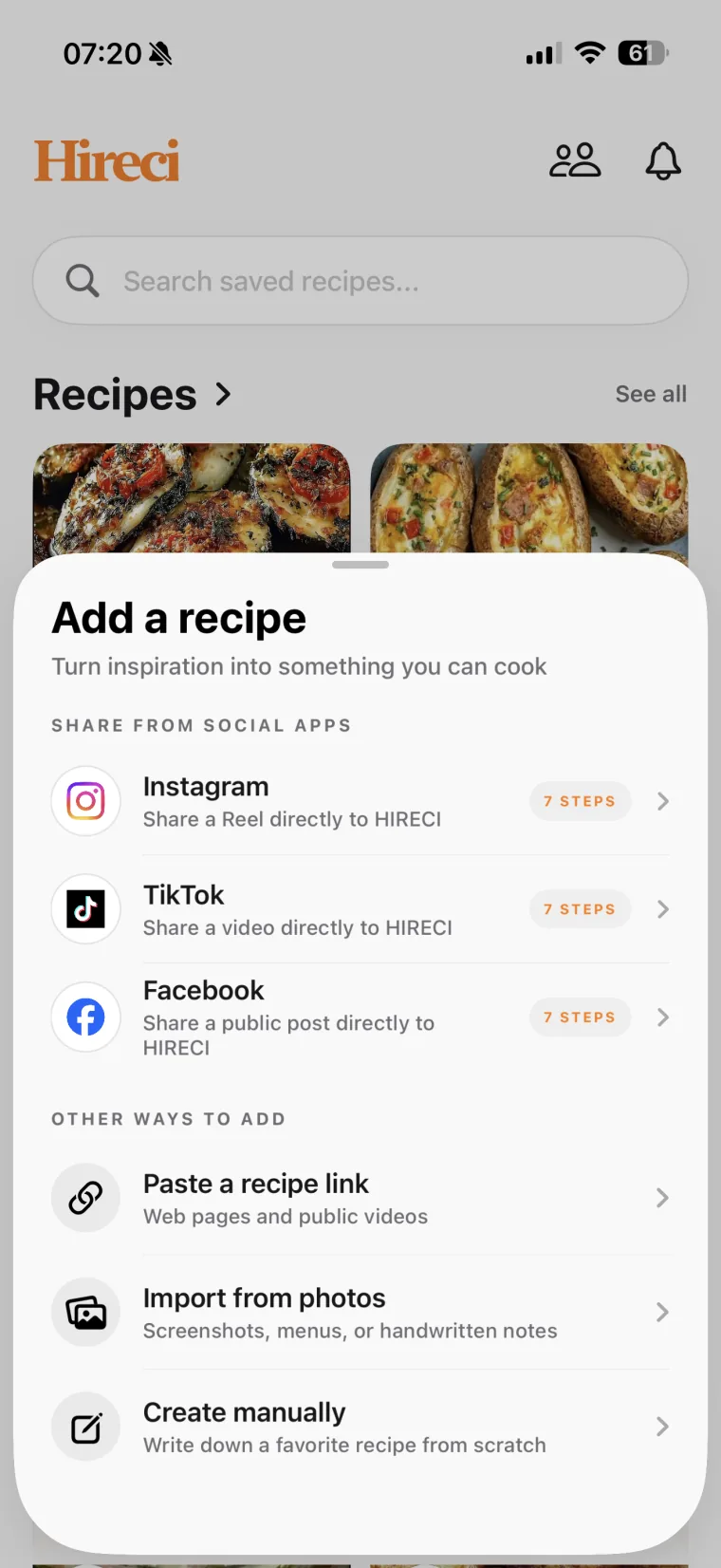
Use Hireci as your Instagram recipe saver app: share a supported public Reel to Hireci, or copy its link and paste it into the app. Review the imported ingredients and directions before cooking. Private or inaccessible posts may not import. Read the Instagram recipe-saving guide.
Is there an app to save recipes from TikTok?+
Yes. Share a supported public TikTok recipe post to Hireci or paste its link. Review the imported recipe, edit any missing details and keep it alongside your other saved recipes, ready for meal planning or cooking later. Read the TikTok recipe-saving guide.
Can I scan recipes into an app from screenshots or photos?+
Yes. Import a screenshot or photo of a recipe into Hireci, then review and edit the ingredients, amounts and directions. You can also photograph handwritten recipe notes. Clear, readable images give the app more information to work with.
How can I save recipes from different websites in one place?+
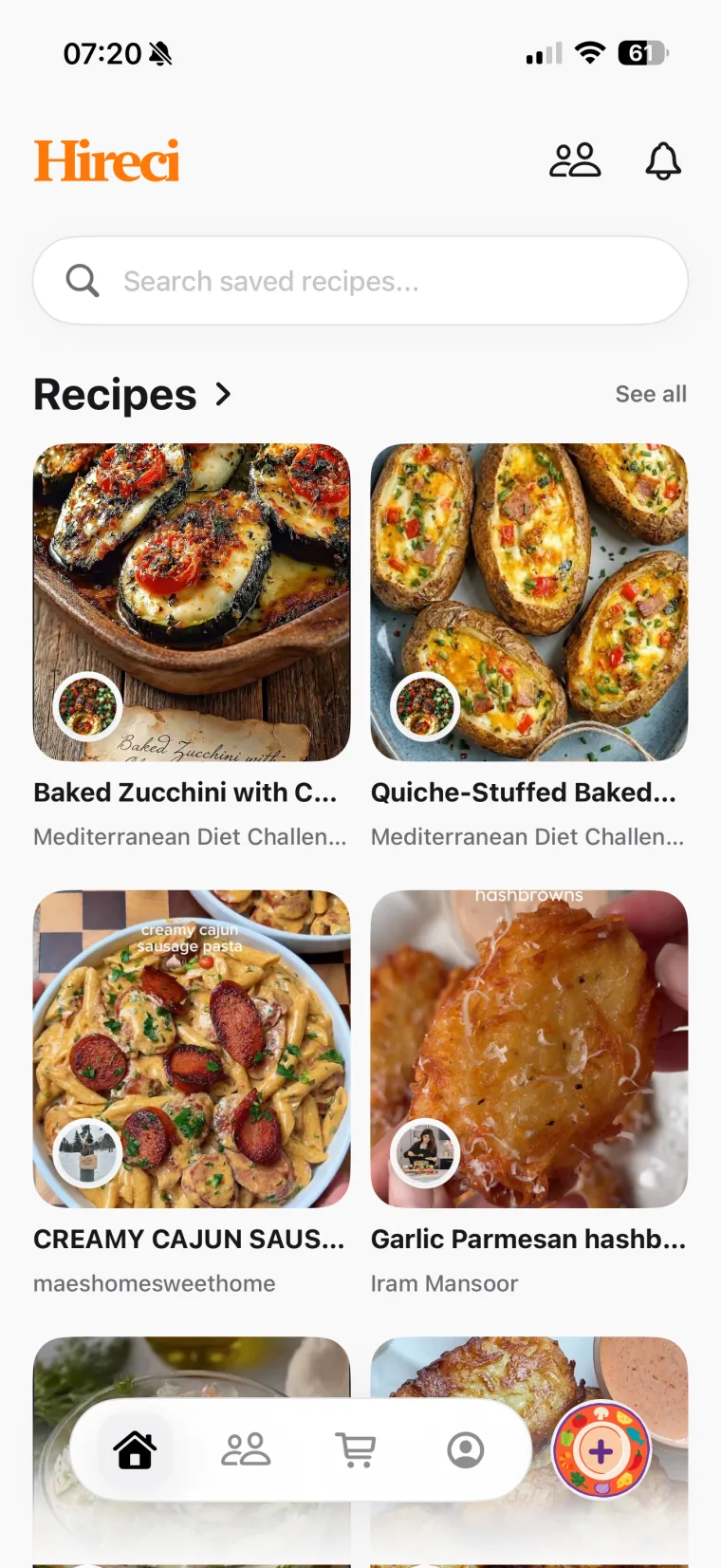
Paste a supported public recipe URL into Hireci to add it to the same library as your social recipes and photos. If a page cannot be imported, you can add the recipe manually. Search your cookbook by ingredient, recipe title or creator when you are ready to cook. Read the website recipe-saving guide.
Does Hireci keep the original creator?+
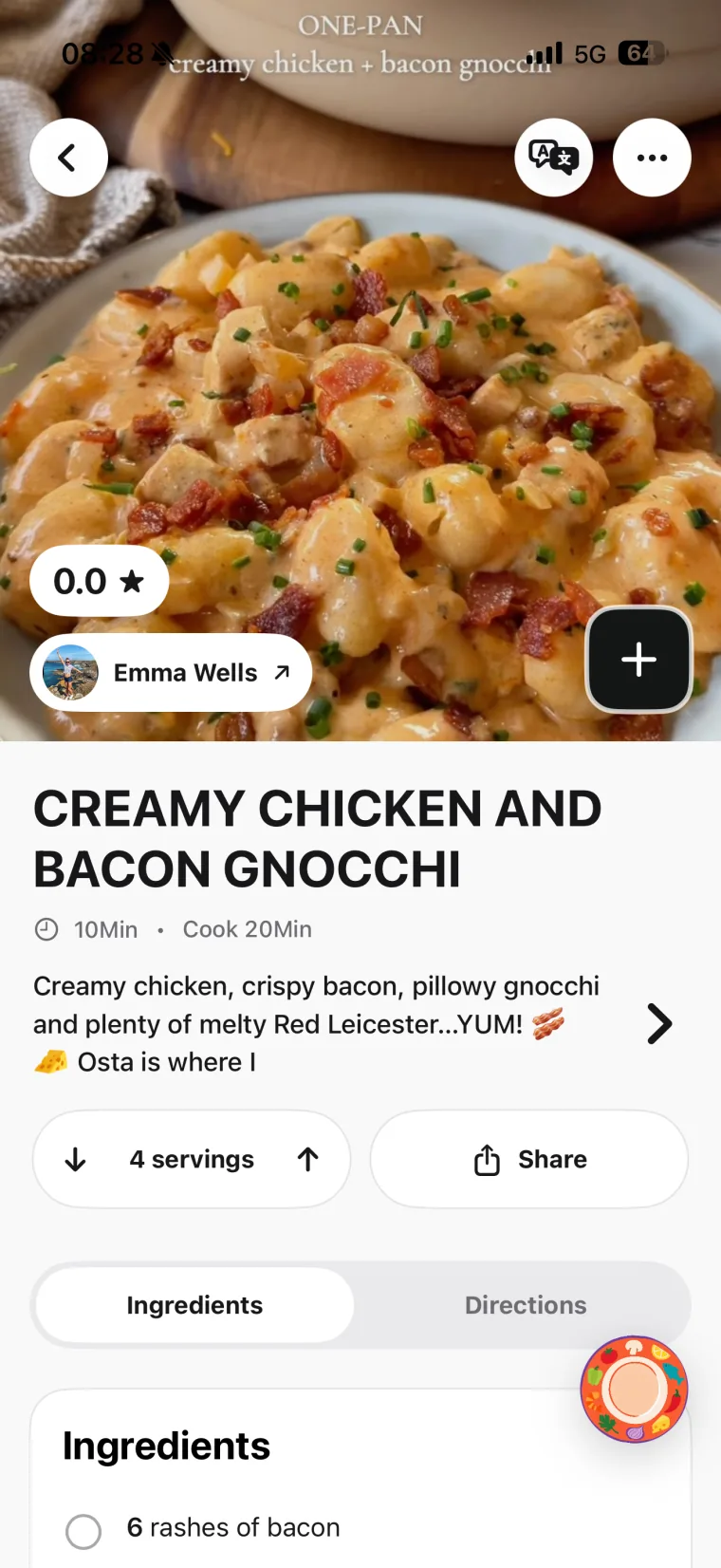
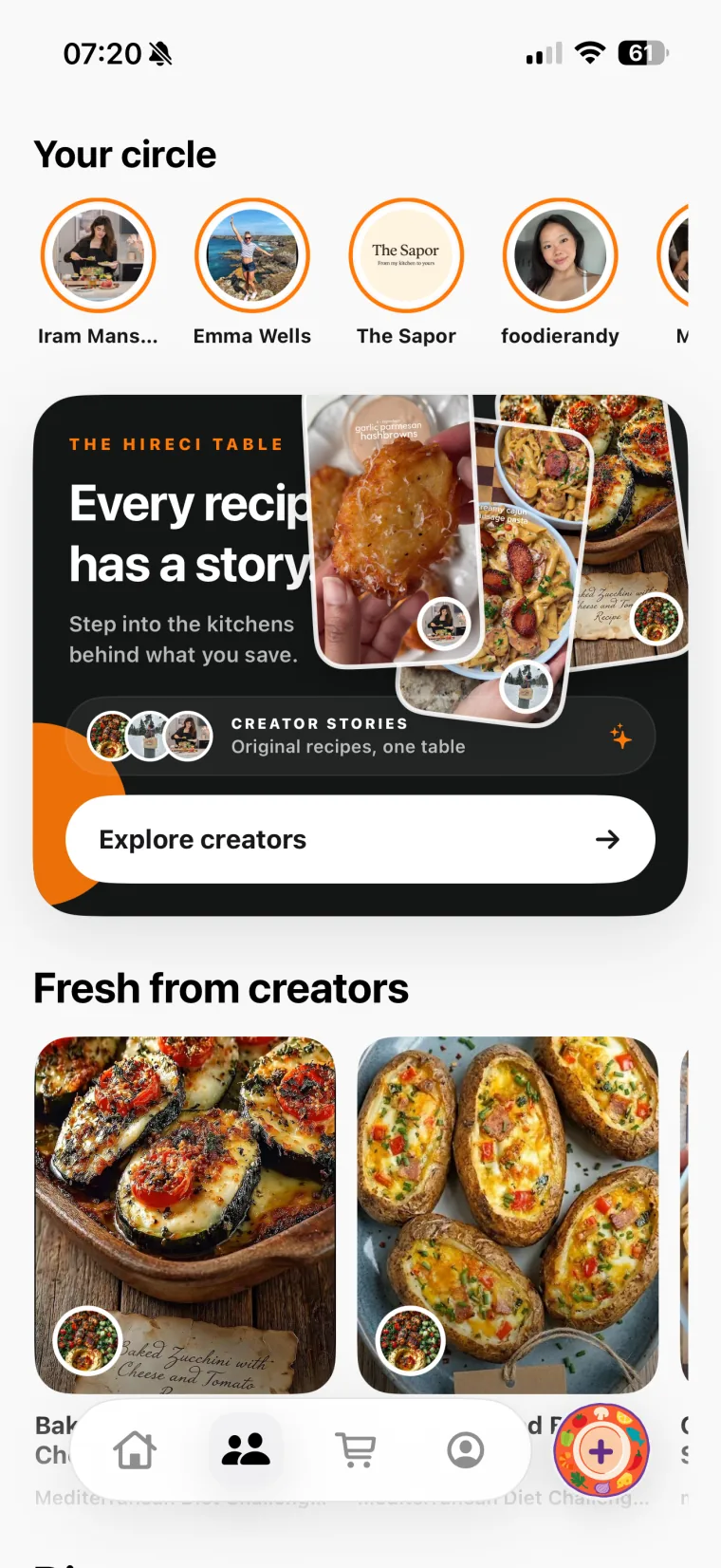
When creator information is available, Hireci is designed to preserve the author, avatar and source link so you can return to the person behind the dish.
How do I create a grocery list from saved recipes?+
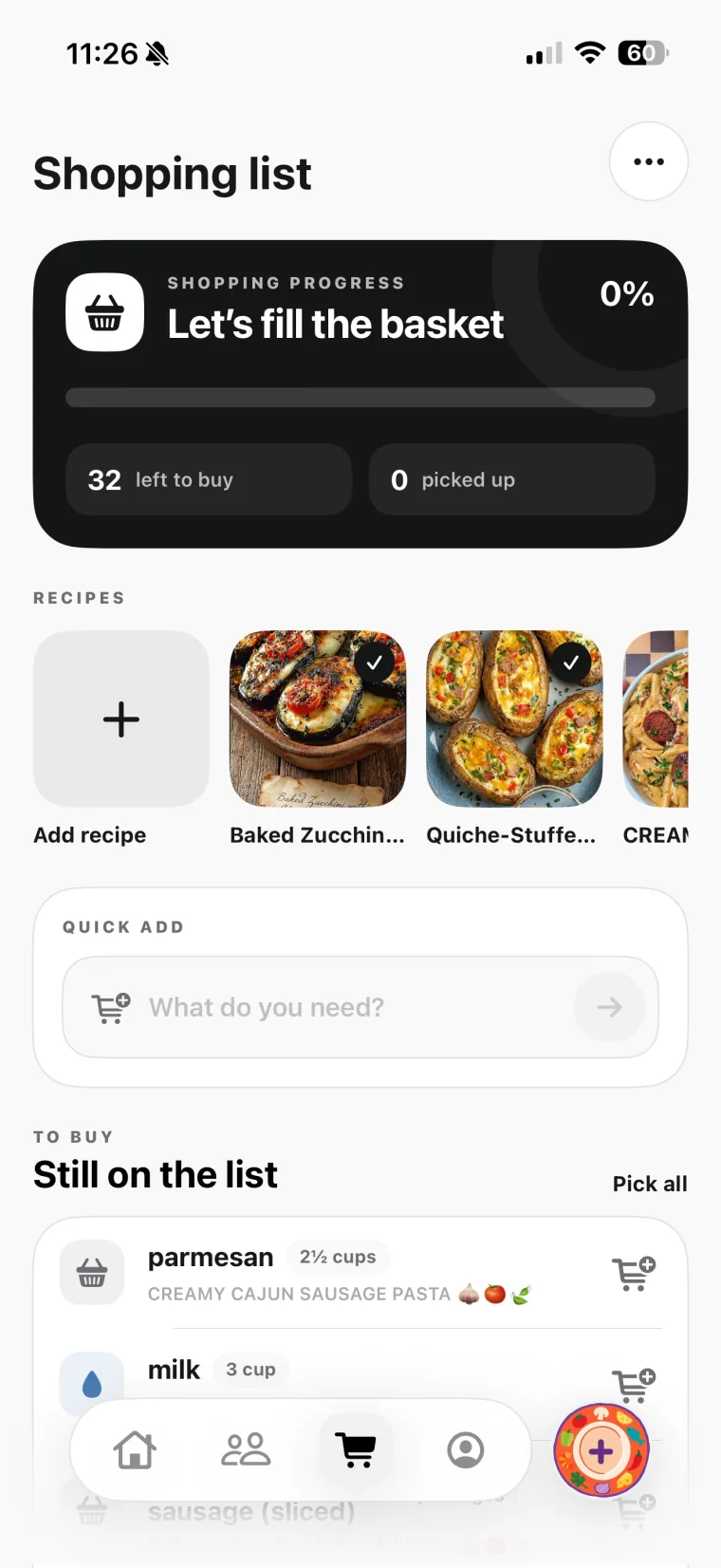
Choose recipes from your Hireci cookbook and add their ingredients to your grocery list. Combine items across multiple recipes, review the quantities and check off ingredients as you shop.
Can I plan weekly meals with my saved recipes?+
Yes. Add saved recipes to Hireci’s meal planner by date, then create a shopping list from the recipes you plan to cook. Your cookbook, weekly meal plan and grocery list stay together in one app.
Can I see nutrition estimates for my saved recipes?+
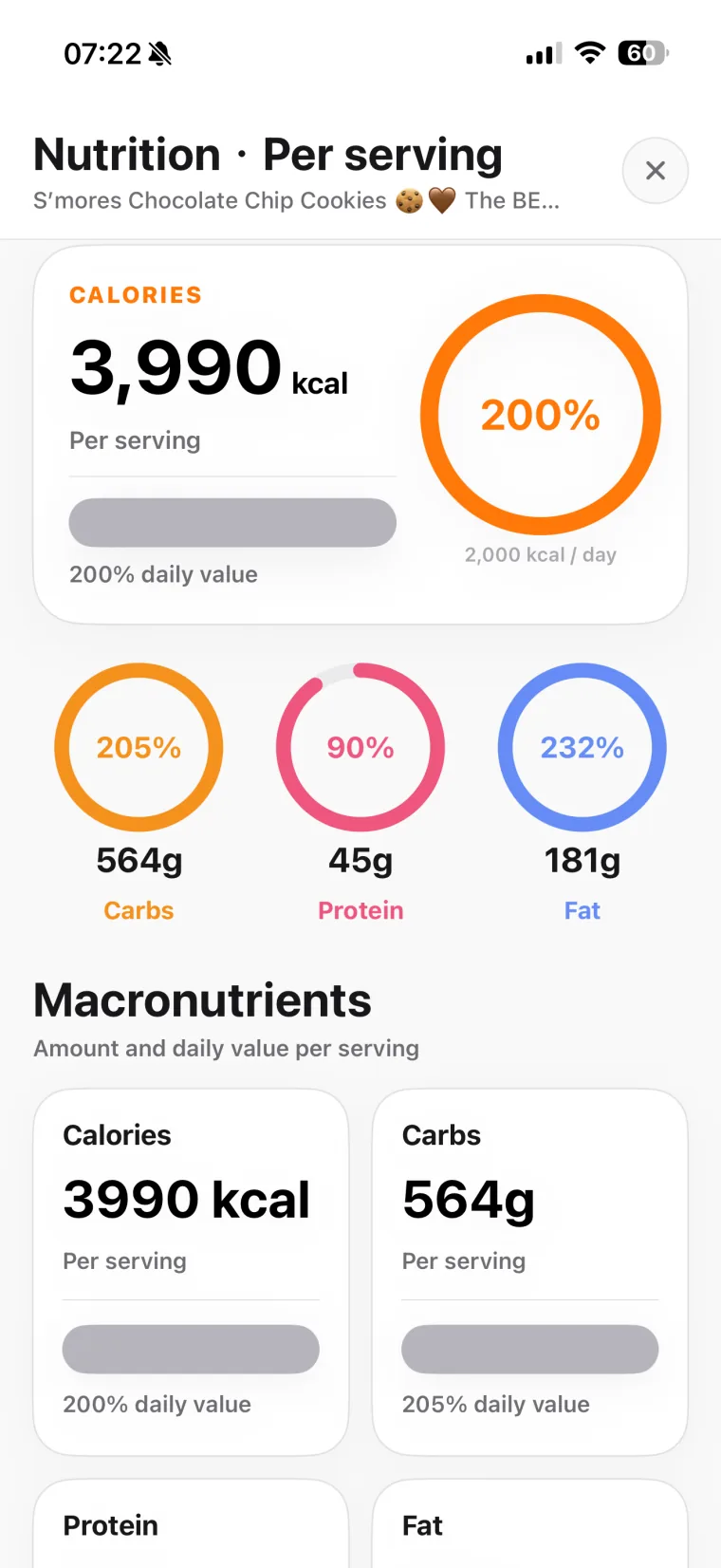
Hireci provides estimated calories, protein, carbohydrates and fat per serving. These are recipe nutrition estimates, so review the imported ingredients, quantities and serving count when interpreting the results.
Is Hireci a recipe converter for iPhone and iPad?+
Yes. Hireci is available for iPhone and iPad on the App Store. Use any “Get the app” button to open the official Hireci: Recipes & Meal Planner listing and check compatibility for your device.
Do recipe imports and meal planning require a subscription?+
Some features require an active Hireci+ subscription, including unlimited smart imports, meal planning and grocery list tools, and nutrition analysis. Check the app and its App Store listing for current subscription options.