The page requires a login or subscription
A page you can read while signed in may not be publicly accessible to the importer. Use a public recipe page when available. Hireci does not give access to content behind a website’s login or paywall.
FROM OPEN TABS TO YOUR OWN COOKBOOK
Keep the recipes you find across food blogs and cooking websites in one place. Hireci turns supported public recipe links into editable ingredients and instructions you can organize and cook from.
Bring in the recipeStart with the link to one complete dish.
Keep useful detailsReview ingredients, steps and source information.
Find it when you need itCollect recipes in a searchable library.
01 / SAVE THE RECIPE YOU FOUND
Start with a public page for a single recipe. The page should contain the ingredients and cooking instructions, rather than just a dish photo or a list of links. On iPhone or iPad, you can copy the URL into Hireci or use the browser’s share sheet.
Follow the dish’s link from search results, a newsletter or a recipe collection to the original website. If the article has a Jump to Recipe button, use it to check that the recipe card contains the dish you want.
Copy the link from your browser’s address bar or sharing menu. Use the page address, not the image address. If you copied a message that includes both a link and extra text, keep only the URL.
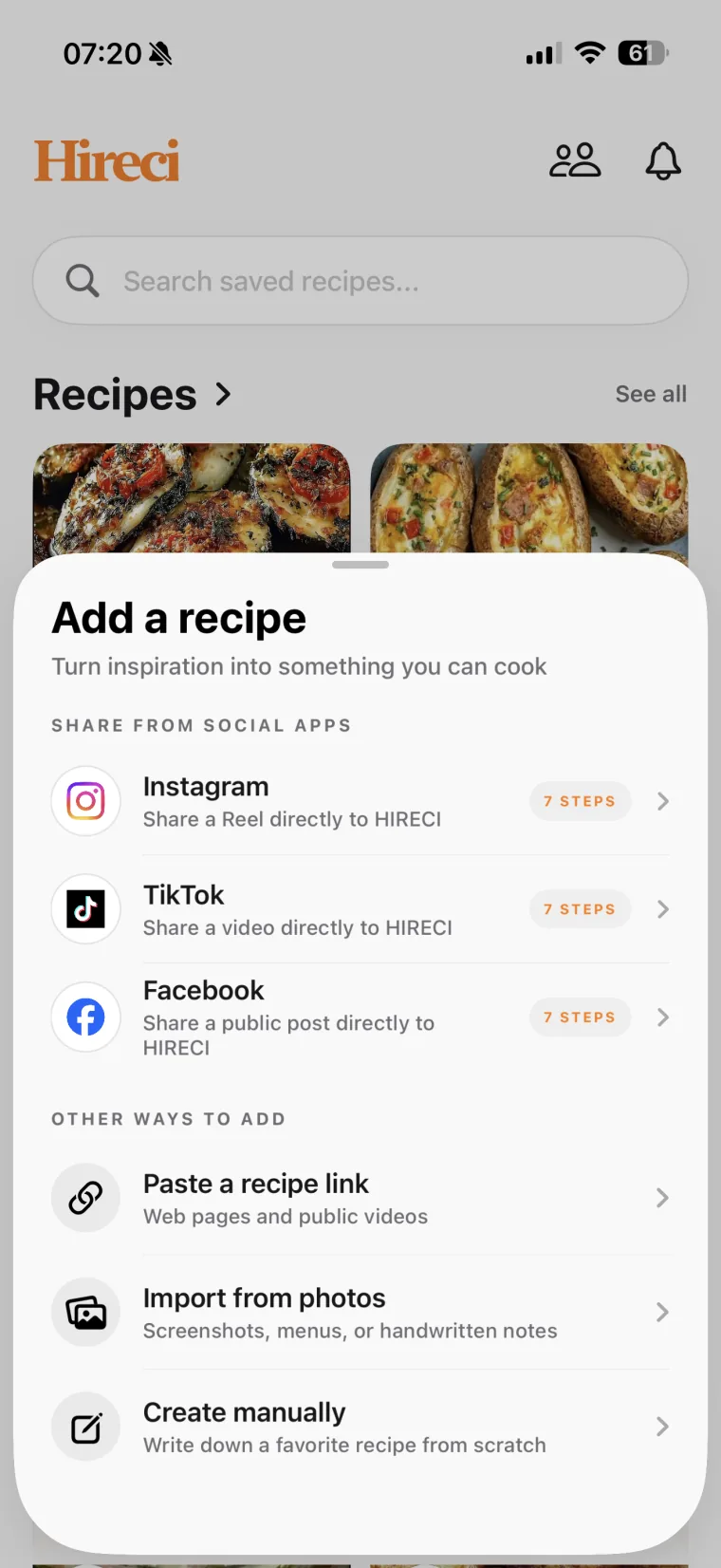
Open Hireci’s add-recipe menu and choose Paste a recipe link. Tap Paste, check the address, then select Analyze recipe to start the import.
Open the recipe in Hireci and compare the title, ingredients, quantities and directions with the original. Check the serving count and any separate ingredient groups, such as a sauce or topping. Edit missing or unclear details before cooking.
Open the recipe in Safari, tap its Share button and choose HIRECI in the iOS app row. If it is missing, swipe to the end of the row and tap More → Edit. Add HIRECI with +, tap Done, then return to the row and select it. You can always use the copy-and-paste method above instead.
Safari’s controls can move between iOS versions. The shared item needs to be the public recipe-page link. A successful import depends on whether Hireci can access the page and read its recipe information.
02 / GIVE THE IMPORTER THE RIGHT PAGE
The page where you discover a recipe is not always the page that contains it. Opening the original recipe first helps avoid importing a collection title, an image or an incomplete preview. For a recipe you found on Pinterest, follow the Pinterest Recipe Converter tutorial to open the Pin’s linked website and find the original recipe page.
| What you have open | What to look for | What to do |
|---|---|---|
| A single recipe article | The dish name, ingredients and full directions. | Copy this page’s URL into Hireci. |
| A roundup or category page | Links to several separate recipes. | Open the individual dish, then copy that recipe link. |
| A search result or shared preview | A link to the original recipe publisher. | Visit the publisher’s full page before importing. |
| A recipe screenshot | Readable ingredient amounts and cooking steps. | Use Import from photos instead of the link field. |
A website’s ingredient list may change when you tap a serving multiplier or switch units. Check which quantities came through in Hireci; the imported result may not reflect changes made only in your browser. Confirm the original yield before adjusting servings in the app. For the calculation and a worked example, see how to convert a recipe to a different number of servings.
You do not need to understand how a website stores its recipe data. If the result is incomplete, compare it with the visible recipe card and use the fixes below.
03 / MAKE YOUR COLLECTION USEFUL
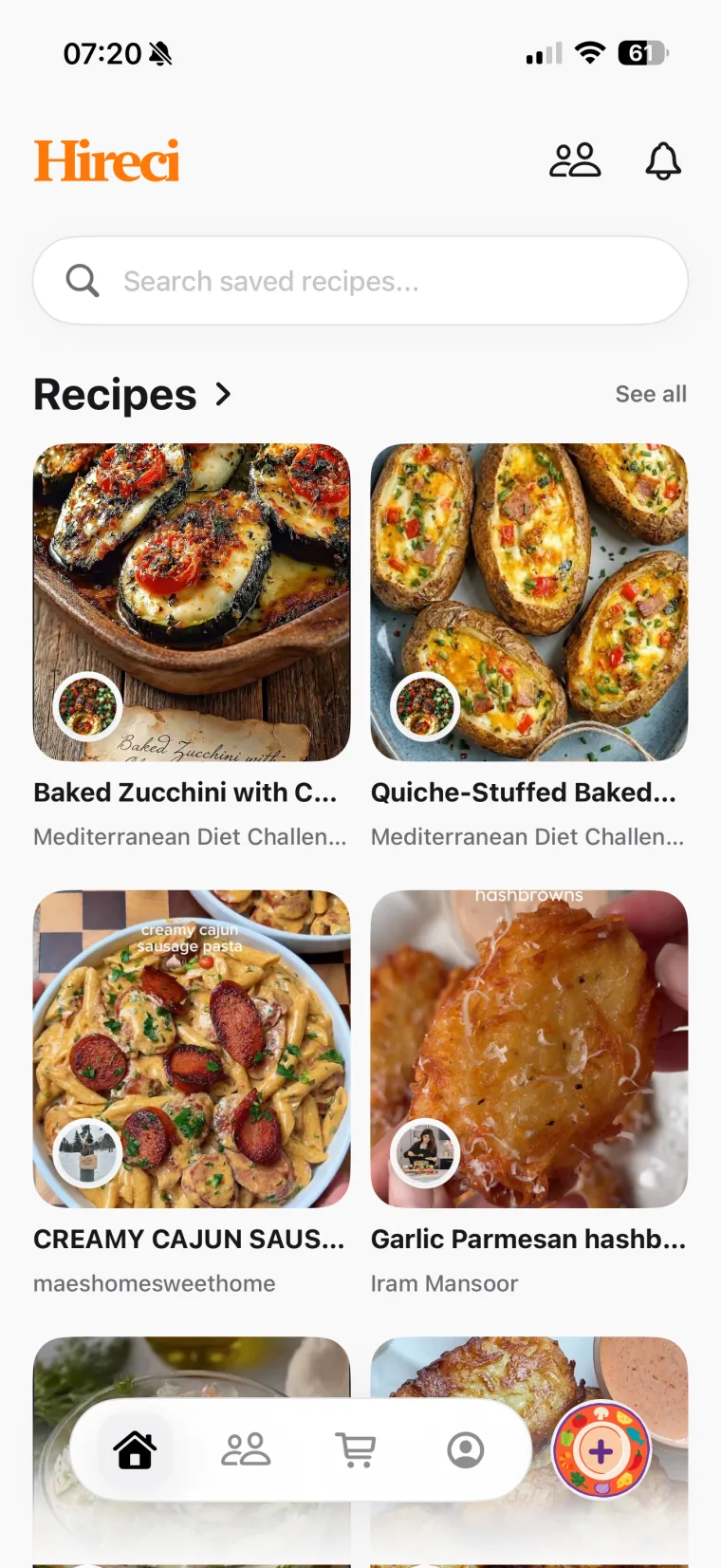
Give a newly imported recipe a home while you still remember why you saved it. A folder such as “Quick lunches” or “Weekend baking” helps you group recipes by when you want to make them. Hireci also lets you search saved recipes by title, ingredient or creator.
For example, you might find a lentil soup on one food blog and bread on another. Import each recipe separately, confirm their serving counts, then add them to your meal plan. You can send recipe ingredients to your grocery list and check what is already in your pantry before shopping.
A browser bookmark points you back to a page. A recipe saved in Hireci gives you ingredients and directions you can edit and organize in your own library. Keep the source link too: the author’s explanations and photos can still be useful when you cook.
Explore Hireci’s recipe organization and meal-planning features. For social recipes, follow the dedicated guides to saving Instagram recipes and saving TikTok recipes.
04 / WHEN A WEB RECIPE WILL NOT IMPORT
A page you can read while signed in may not be publicly accessible to the importer. Use a public recipe page when available. Hireci does not give access to content behind a website’s login or paywall.
Check that you copied one recipe’s own page, rather than a search page or roundup. Open the full recipe and try its URL. Review the result if the page includes multiple recipe cards.
Some pages keep recipe text in an image or load parts of it differently. Compare the import with the original, then add missing details manually. For readable recipe screenshots, use Import from photos and check the extracted text.
Check that the link opens and still contains the recipe. Copy a fresh URL, confirm your connection and try again. If it continues to fail, contact Hireci support with the public recipe link and the error you saw.
05 / COMMON QUESTIONS
Hireci is a recipe organizer for iPhone and iPad that imports supported public recipe-page links. Paste a URL or share the page to HIRECI, then review the ingredients and directions. You can keep recipes from different sources together in your cookbook.
No importer can be assumed to work with every page. Hireci supports public recipe links, but access restrictions, page structure and missing information can affect the result. Start with the individual recipe page and review what was imported.
For a supported recipe page, start with its URL. Hireci reads the available recipe information and organizes it into a recipe. Check the result against the source and edit any missing ingredients, amounts or instructions.
Use a separate link for each dish. A roundup usually links to several recipe pages, so open the recipe you want and import that individual URL. Do not treat the roundup link as a bulk import of every recipe it mentions.
Hireci keeps available author and source information, but an import may not include every note or variation in the article. Review the recipe card and surrounding instructions yourself. Add any details you need and keep the source link for reference.
Yes. Review and edit the saved recipe’s title, ingredients, quantities and directions in Hireci. Check the original serving count before scaling it, and make your own substitutions clear so you can recognize the version you plan to cook.
KEEP WHAT YOU WANT TO COOK
Start with a recipe you have bookmarked. Bring it into Hireci, check the details and give it a place in your cookbook.
See every supported source on the recipe converter overview.