01 / SAVE YOUR FIRST RECIPE
How to save a recipe from Pinterest
Most Pins are shortcuts to recipe blogs: the Pin shows the dish, the recipe lives on the linked page. The reliable path is to open that page and bring its link into Hireci, where it becomes an editable recipe.
Open the Pin and tap Visit
Open the Pin that caught your eye and tap Visit. This opens the recipe website the Pin links to — the page where the actual ingredients and directions live, not just the photo.
Copy the recipe page link
On the recipe page, open the iOS share sheet and tap Copy. You now have the direct link to the recipe itself, rather than the Pin that points at it.
Paste the link into Hireci
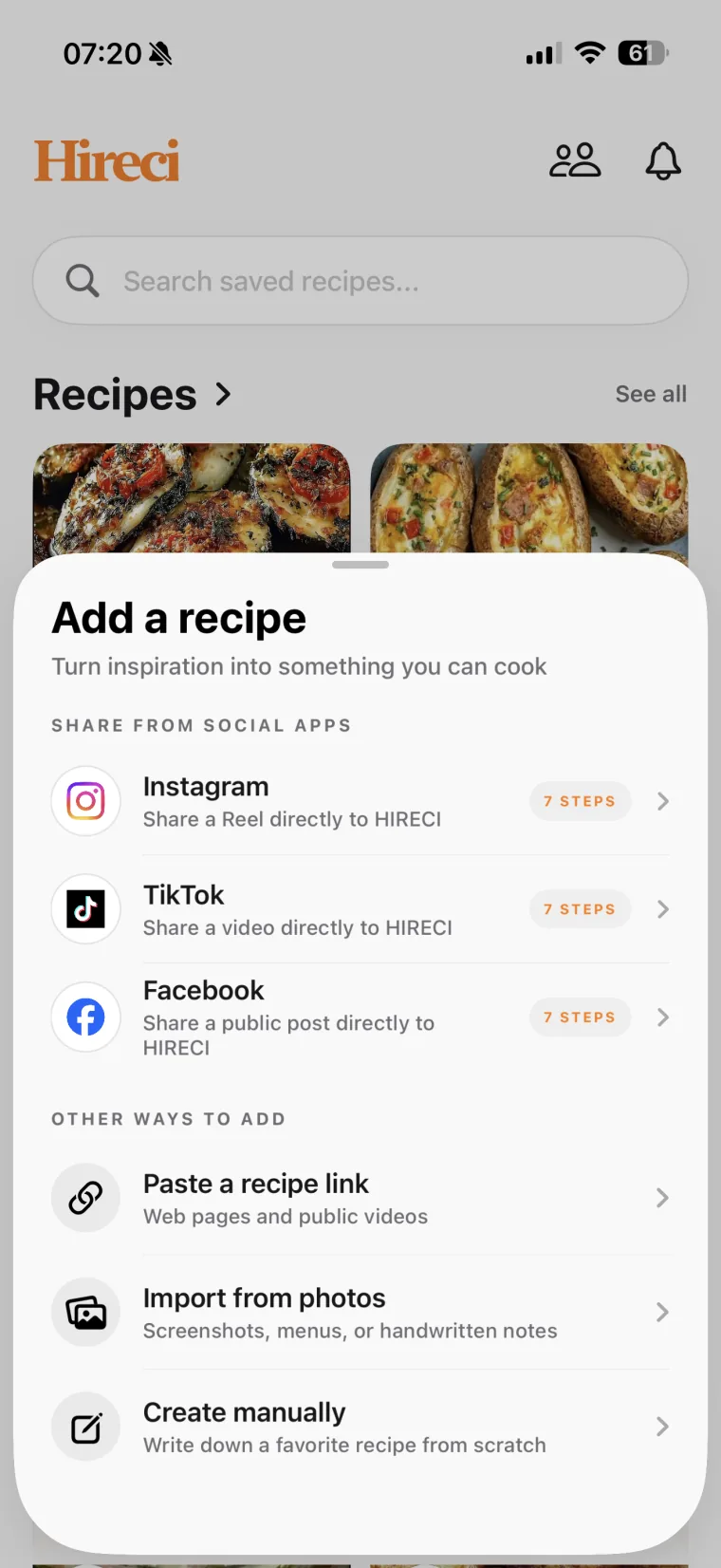
Open Hireci and choose Add a recipe → Paste a recipe link. Tap Paste, then Analyze recipe. Hireci pulls the ingredients and directions from the page into a recipe you can edit.
Review the ingredients and directions
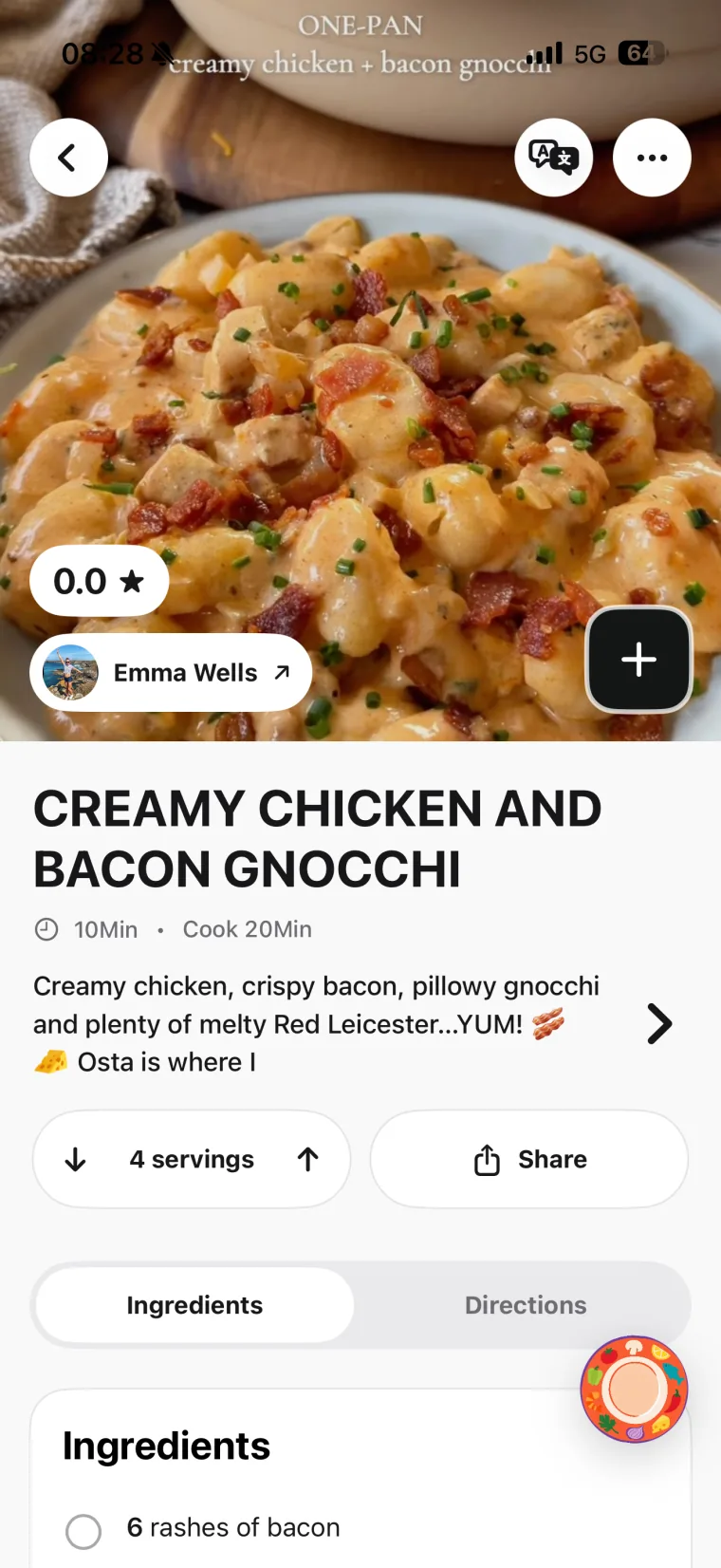
Open the imported recipe in Hireci. Check quantities, units, serving count and cooking steps against the original page. Edit missing or unclear details before relying on the recipe in the kitchen. For a closer look at this step, follow the Pinterest Recipe Converter walkthrough.
The Pin has no Visit button?
Some Pins are image uploads with no linked recipe page. Save the Pin image to your phone and use Hireci’s Import from photo option, then review the extracted text. A photo of the finished dish alone does not contain the recipe — use a screenshot of the recipe card or text instead.
Tip: if Visit takes you to the blog’s homepage instead of the recipe, scroll to the recipe card on the page and copy that link. Roundup posts link to several recipes, so always import the link of the specific recipe you want.
02 / CHOOSE WHAT YOU WANT TO KEEP
A Pinterest board keeps the Pin. A cookbook helps with dinner.
Pinterest boards are excellent for collecting ideas. A recipe organizer is useful when you want to work with the ingredients and instructions. You can use both: keep the Pin for the visual idea, and keep an editable recipe in Hireci for cooking.
Two ways to keep a recipe you find on Pinterest
| What you need | Pinterest boards | A recipe in Hireci |
|---|
| Revisit the creator’s idea | Return to the Pin. | Return through the source link when available. |
|---|
| Adjust recipe details | Read the recipe as published on the source site. | Edit ingredients, quantities and directions. |
|---|
| Choose what to cook | Browse your boards for inspiration. | Search your recipe library and add a dish to your meal plan. |
|---|
| Shop for the dish | Refer to the page as you make a list. | Add recipe ingredients to your grocery list. |
|---|
Source links still depend on the original page remaining available. Available creator information stays connected to the recipe; imported details should always be reviewed.
03 / MAKE SOMETHING WITH IT
Turn a saved Pin into a meal you actually cook
Imagine saving a sheet-pan dinner Pin on your lunch break. Open the Pin, tap Visit, and import the link while the details are in front of you. Check whether the quantities serve two or four, then name the recipe so you will recognize it later. A collection such as “Weeknight dinners” gives it a useful home.
When you plan dinner, choose the recipe from your library and adjust the servings. Add its ingredients to your shopping list, then review what you already have before shopping. The Pin can still help as a visual reference while the written recipe keeps the next step easy to find.
A quick check before you cook
- Do the quantities match the number of servings?
- Are the ingredient units clear—for example, teaspoons versus tablespoons?
- Did the import include oven temperature, timing and any preparation steps?
- Are there details on the original page that you still need to add?
Explore the Hireci recipe organizer and meal-planning features if you want to bring recipe websites and photos into the same cookbook. For video recipes, follow the TikTok recipe-saving guide.
04 / WHEN AN IMPORT NEEDS A HAND
Why won’t my Pinterest recipe import?
Not every Pin links to a complete recipe page, and not every link is accessible. Check the source first, then choose the simplest way to bring the recipe into your library.
The Pin has no Visit button or link
Some Pins are image uploads with no linked site. Save the Pin image to your phone and use Hireci’s photo import instead. If the image contains no readable recipe, search the recipe title — the original blog post often turns up.
The linked page will not import
Make sure you copied the individual recipe page link, not the blog’s homepage. Check your internet connection and try again. If it still fails, contact Hireci support with the link and the steps you tried.
The recipe is incomplete
Compare the import with the original page. The Pin may link to a roundup post rather than the recipe itself. Open the specific recipe on the page and import that link instead, then add any missing amounts or instructions manually rather than guessing.
The photo import missed some text
Use a clear screenshot of the recipe card instead of a photo of the finished dish. Include the full ingredient list and steps in the frame, and avoid heavy overlays or watermarks that hide the text.
05 / COMMON QUESTIONS
Using a Pinterest recipe saver
What is an app to save recipes from Pinterest?
A recipe-saving app turns Pins and their linked pages into recipe details you can keep and use. Hireci imports the recipe page a Pin links to, lets you review and edit its ingredients and directions, and organizes it alongside your other recipes on iPhone or iPad.
How do I save a recipe from a Pinterest Pin?
Open the Pin, tap Visit to open the linked recipe page, copy the link, and paste it into Hireci’s Paste a recipe link option. Review the imported ingredients and directions before cooking. If the Pin has no link, save its image and use photo import instead.
Can Hireci import recipes from the websites Pins link to?
Yes. Most Pins link to recipe blogs, and Hireci imports the recipe from the linked page, keeping the ingredients, directions and source details. You can also import any recipe website directly the same way.
Is Hireci a free Pinterest recipe saver?
Hireci is free to download from the App Store. Some features require an active Hireci+ subscription, including unlimited smart imports, meal-planning and grocery-list tools, and nutrition analysis. Check the app for current subscription options before choosing a plan.
Can I save a Pinterest recipe from a screenshot?
Yes. Use the photo-import option for a clear screenshot of the recipe card or text. Review the extracted ingredients, amounts and steps afterward. A photo of the finished dish alone does not contain the recipe.
Can I make a grocery list from a Pinterest recipe?
Yes. After importing and reviewing the recipe, add its ingredients to your Hireci grocery list. Check quantities and remove anything you already have. Meal-planning and grocery-list tools are among the features that require Hireci+.
Hireci is an independent app and is not affiliated with Pinterest.