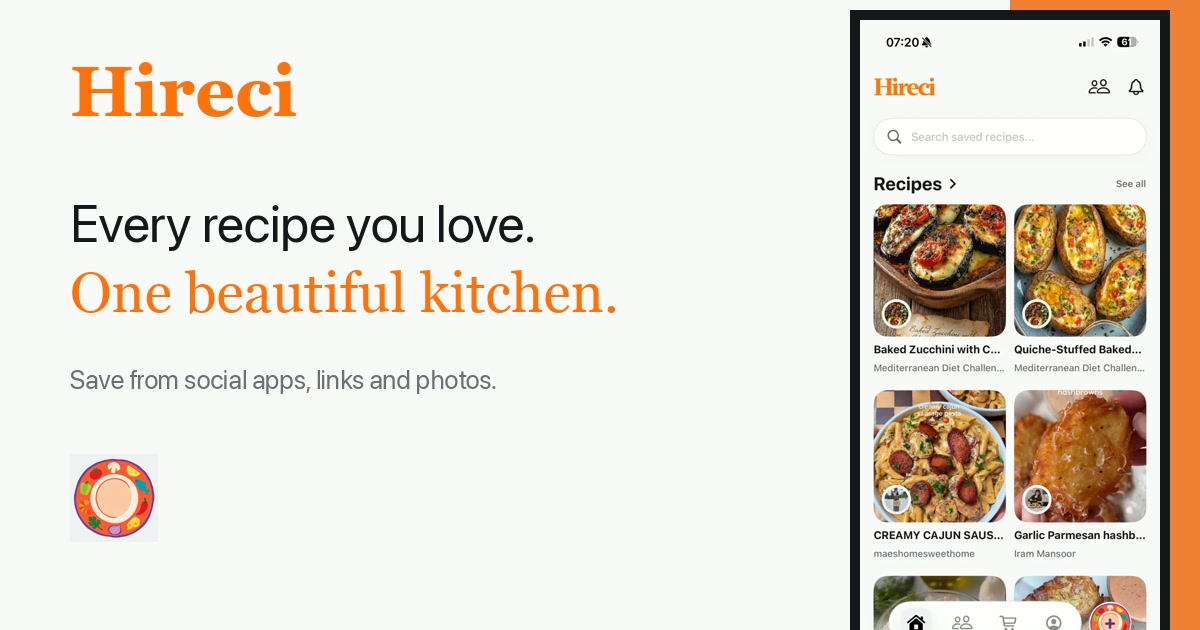
To turn a YouTube Short into a recipe, copy the Short's link, paste it into Hireci, and check the imported ingredients and steps against the video's description and timestamps. The video gives you the technique; the description usually gives you the quantities. Put them together before you cook.
A cooking Short is over in under a minute. The creator tosses in "some garlic," the pan sizzles, and the finished dish appears before you have read the third ingredient. Pausing and rewinding works, but it is a slow way to rebuild a recipe, and you still end up with a notes app full of half-remembered amounts. A recipe converter pulls the Short into one editable place, and the checks below make sure the result is complete enough to cook from.
Copy the link from the Short
Open the Short in the YouTube app and tap Share below the video, then Copy link. The link is all Hireci needs. You do not have to download the video, screen-record it, or type anything out by hand.
This works for public Shorts. If the link will not copy, make sure you are sharing the Short itself and not a channel page or a playlist. The URL should point at the single video.
Paste the link into Hireci
Open Hireci and paste the link where you add a new recipe. Hireci reads the video's title, captions, and description, then builds an ingredient list and steps you can edit. Give it a few seconds. Shorts are dense, and the import is doing the pausing and rewinding for you.
When it finishes, you have a draft recipe instead of a blank page. The full walkthrough lives in our YouTube recipe converter guide. What follows is how to verify that draft, because a 40-second video rarely says everything out loud.
Read the description for the written version
Tap the Short's title, or the "...more" text under it, to open the full description. Many cooking creators paste the complete ingredient list with amounts there, because they know the video moves too fast to read.
Compare those amounts with what Hireci imported. If the description says "200 g spaghetti" and the import says "spaghetti," keep the description's number. It is the creator's own written version, and it beats a quantity guessed from captions. If the description is empty, the import plus the video itself is your starting point, and the next step matters more.
Use timestamps to place each step
Descriptions often include timestamps such as 0:00 Intro, 0:15 Sauce, 0:40 Plating. Tap one and the video jumps straight to that moment. Walk through the imported steps with the timestamps open. When the import says "add the garlic," the timestamp tells you whether that happens before or after the tomatoes go in.
Shorts compress time. Two steps that look ten seconds apart in the video can be ten minutes apart in the pan, because the boring middle got cut. The timestamps, and the sizzle you hear when you jump to them, keep the order honest. Fix any step in the import that is out of sequence while the video is still fresh in your mind.
Check the recipe before you cook
Shorts skip things. "Bake until golden" with no temperature. "Season to taste" with no amounts. A garnish that appears only in the final frame. Read the finished recipe once and fill the gaps: set a starting oven temperature from the description or a similar dish, write the serving count on it, and confirm the steps match what you actually saw.
Then rename the title so you can find it later. "15-minute garlic butter pasta" beats "YouTube Short" when you are hungry next month. Save it, and the craving gets answered by the recipe instead of another rewatch.
Before you close the video
- Every ingredient has an amount, from the description or the video.
- The steps are in the order the timestamps show.
- Oven temperature and servings are written down.
- The title says what the dish is, not where it came from.