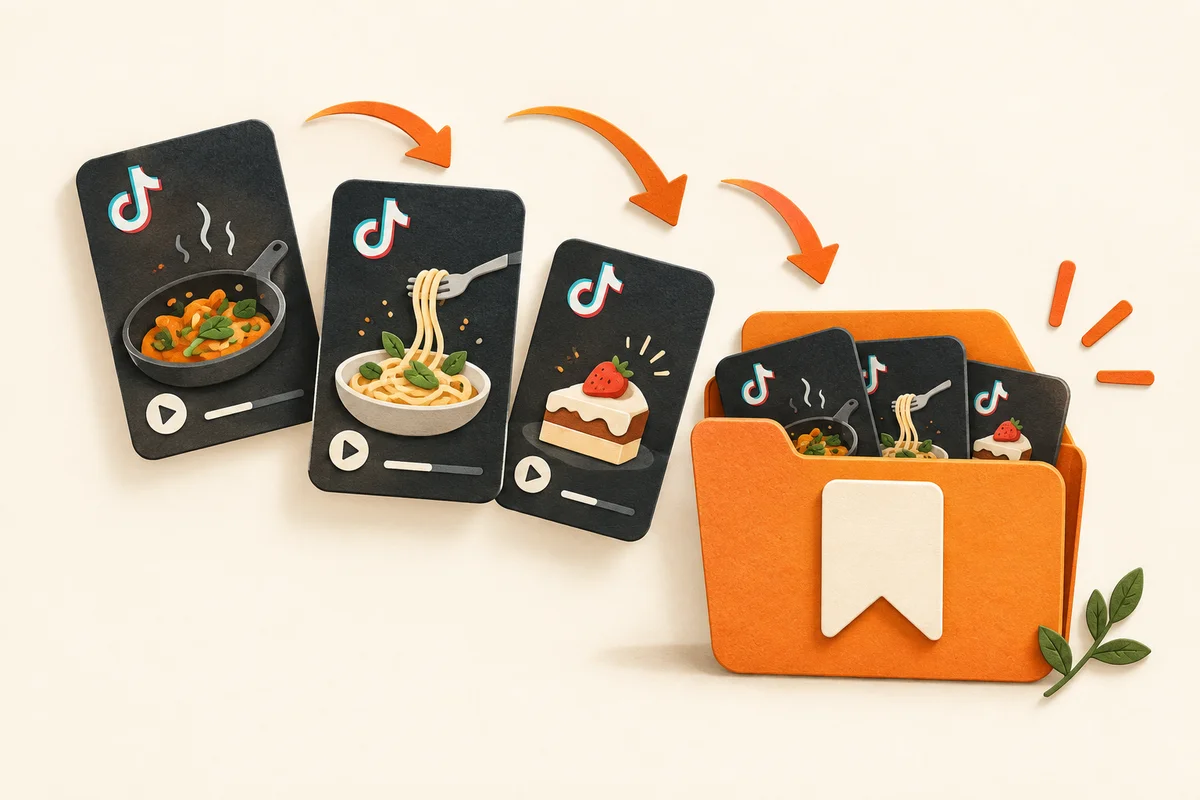
The quickest way to save a TikTok recipe so you can cook it later:
- Open the TikTok video that has the recipe.
- Tap Share, then More, and choose HIRECI — or tap Copy link and paste it into Hireci with Paste a recipe link.
- Let Hireci turn the video’s details into an editable recipe with ingredients and steps.
- Check the amounts against the video, then file the recipe in a folder.
If you only want to rewatch the video, TikTok’s own Favorites are enough. The comparison below shows when each method makes sense.
TikTok is where a lot of weeknight dinners start, and also where they go to disappear. You tap the bookmark, the video lands in a long list, and three weeks later you’re scrolling past two hundred saves trying to remember which one had the dumplings. Saving the video and saving the recipe are two different things. This guide covers both.
4 ways to save a TikTok recipe, compared
There’s no single right method. It depends on whether you want to rewatch the video or cook from the recipe, and how many recipes you’re keeping.
| Method | What you keep | Search by ingredient | If the video is deleted |
|---|---|---|---|
| TikTok Favorites | The video | No | Lost |
| Notes | The text you copy | Yes | Kept |
| Screenshot | An image | Limited | Kept |
| Recipe app (Hireci) | An editable recipe | Yes | Kept |
Favorites, Notes and screenshots are free. Hireci is free to download; some features need a Hireci+ subscription.
For a handful of recipes, Favorites or Notes work fine. Once you’re saving recipes every week, the difference between a saved video and a saved recipe starts to matter: only one of them can tell you what to buy.
Method 1: Save it to your TikTok Favorites
The built-in option is the bookmark icon on the right side of a video. Tap it and the video is added to Favorites, which you’ll find on your profile. TikTok also lets you sort favorites into collections, so you can keep a separate group for recipes. Labels move around between app versions, but the bookmark is the one to look for.
Favorites are perfect for rewatching technique: how thin to slice, how the sauce should look. They’re weaker as a recipe box:
- You save a video, not a recipe. There’s no ingredient list to read at a glance and no serving count to adjust. You rewatch the video and pause it to write things down.
- You can’t search inside the recipe. Finding “the one with chickpeas” means scrolling.
- It depends on the creator. If the video is deleted or the account goes private, it can disappear from your Favorites, along with the recipe.
Downloading the video isn’t always an option either. Creators can turn video downloads off, and TikTok keeps downloads off for private accounts and users under 16.
Method 2: Copy the recipe into Notes
Many creators put the ingredient list in the caption or a pinned comment. Tap more on the caption, then copy or type the ingredients and steps into the Notes app, with the video’s link at the top so you can find it again.
This is free, private and searchable, and the recipe survives if the video doesn’t. The trade-off is time: typing out a recipe takes a few minutes, and a note is still just text. It can’t scale servings for four people or add the ingredients to a shopping list. If the video never says the amounts at all, our guide to recipe videos with no measurements shows how to fill the gaps.
Method 3: Take a screenshot
A screenshot of the caption or of an ingredient list shown on screen is the fastest save there is. It’s also the one most likely to be lost: it lands in your camera roll between a parking ticket and a boarding pass, with no title.
If screenshots are already how you save recipes, make them work for you. Crop each one to the recipe text, keep them in one album, and turn them into real recipes when you have a few minutes. Our guide to turning screenshots into recipes walks through it.
Method 4: Import it into a recipe app, step by step
A recipe app turns the video into a recipe: a title, an ingredient list and steps you can edit, search and cook from. In Hireci, there are two ways to bring a TikTok in.
Share straight from TikTok
- Open the individual TikTok video. A profile, sound page or search result isn’t a recipe link.
- Tap the Share arrow, then More to open the iOS share sheet.
- Choose HIRECI from the row of apps.
The first time, HIRECI may not be in that row yet. Swipe to the end of the app row, tap its More button, choose Edit, tap + next to HIRECI, then Done. After that it’s there every time.

Or copy and paste the link
- In TikTok, tap Share, then Copy link.
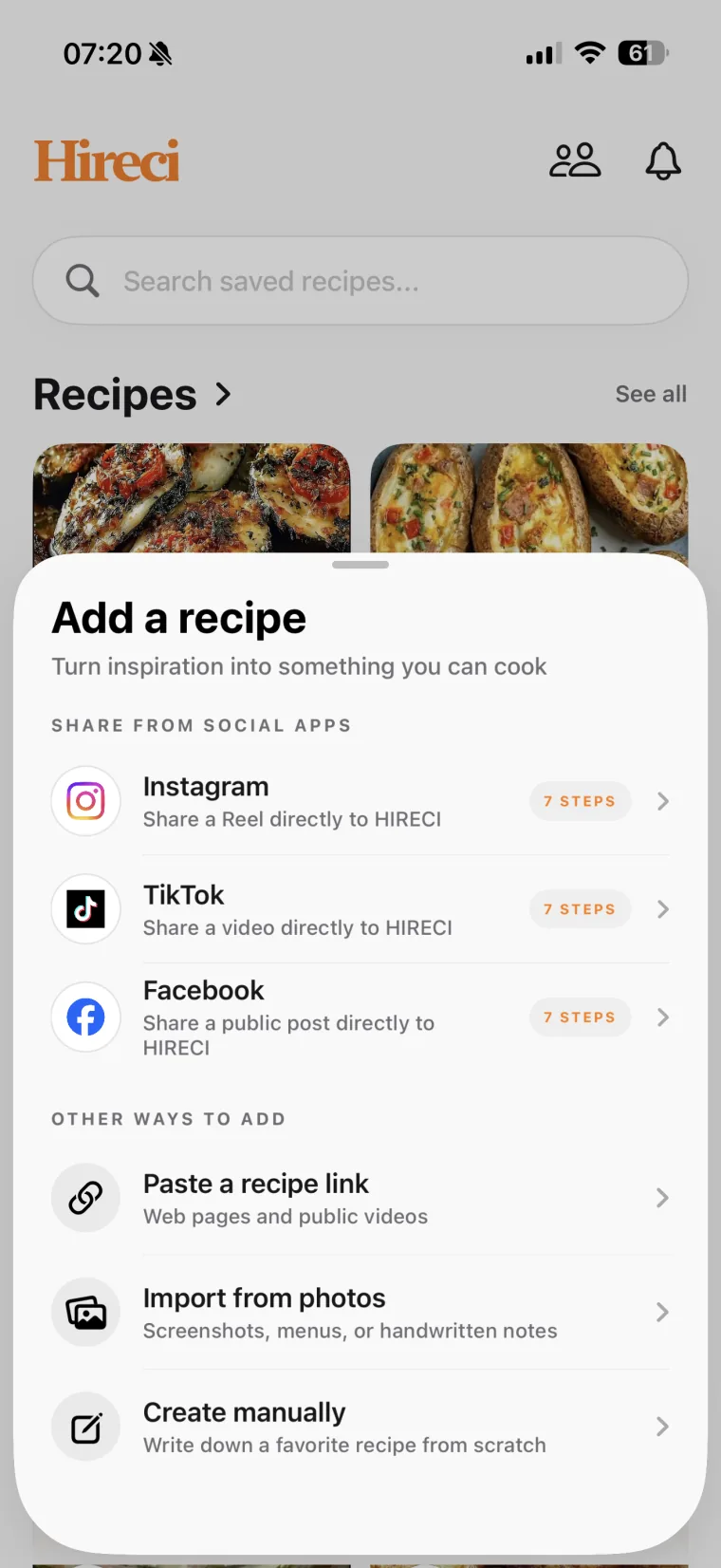
- Open Hireci, tap Add a recipe and choose Paste a recipe link.
- Tap Paste, check it’s the right video, then tap Analyze recipe.
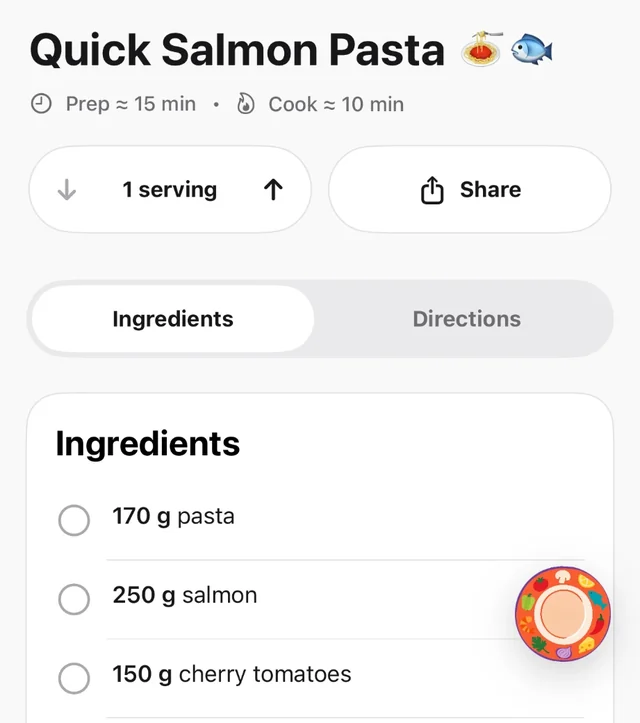
When the import finishes, open the recipe and compare it with the video. Cooking videos squeeze a lot into a minute, so check the quantities, the units and the serving count, and add anything the creator only said out loud. A recipe you’ve checked is one you can trust on a busy evening.
Hireci is free to download. Some features, including unlimited smart imports, meal planning and grocery lists, need a Hireci+ subscription. For the full walkthrough, including what to do when a link won’t import, see the TikTok recipe converter tutorial, or read more about Hireci as an app to save recipes from TikTok.
Keep what you save organized
Saving is only half the job. A recipe you can’t find is no better than a video you can’t find.
- Use a few folders, not dozens. Most people cook from a handful of situations: weeknight dinners, weekend projects, baking, guests. In Hireci, use Add to folder on a recipe to file it the day you save it.
- Name recipes by the dish. “TikTok pasta” means nothing in three months; “15-minute garlic butter noodles” does. Keep the creator’s name in the title if it helps you remember.
- Save it the moment you see it. Thirty seconds now beats a Saturday spent scrolling through old saves.
- Do a weekly five-minute sweep. Go through your TikTok Favorites and ask one question about each: did this become a recipe? If yes, you can unsave the video. If no and you still want it, save it properly now.
Recipes from Instagram, websites and screenshots can live in the same folders. Our guide to organizing saved recipes goes further.
When a TikTok recipe won’t save
- The link isn’t the video. A profile, sound, search or collection link doesn’t point to one recipe. Open the exact video and copy its link again.
- The video is private, deleted or restricted. A video you can watch while signed in may not be publicly available, and these posts may not import. Use the creator’s written recipe if there is one, or a clear screenshot of the ingredients.
- It’s a duet or reaction. Find the original recipe video; that’s where the ingredients usually are.
- The video only names the dish. Without ingredients in the caption or on screen, there’s nothing to import. Look for the creator’s blog or a linked written recipe.
Before you cook from a saved TikTok recipe
- The servings match how many people you’re feeding.
- Ingredient units are clear — teaspoons, not “a spoon.”
- Any ingredient mentioned only in the video is added.
- Oven temperature and timing made it into the steps.
Frequently asked questions
Where do saved TikTok videos go?
Videos you save with the bookmark icon go to Favorites on your TikTok profile. They stay there as videos, so you’ll need to rewatch them to get the ingredients and steps.
Can I save a TikTok recipe without an app?
Yes. You can save the video to your TikTok Favorites, copy the caption into the Notes app, or take a screenshot of the ingredients. These work for a few recipes, but none of them gives you a recipe you can search by ingredient, scale or shop from.
What happens to my saved recipe if the TikTok is deleted?
If you only saved the video, you can lose it when the creator deletes it or makes their account private. A copy in Notes, a screenshot or a recipe imported into a recipe app stays with you.
Is there a free way to save TikTok recipes?
TikTok Favorites, Notes and screenshots are all free. Hireci is free to download; some features, including unlimited smart imports, meal planning and grocery lists, need a Hireci+ subscription.
Can I save all my TikTok favorites at once?
Not in one step. Import recipes one video at a time by sharing or copying each video’s own link. A Favorites or collection link doesn’t identify a single recipe.