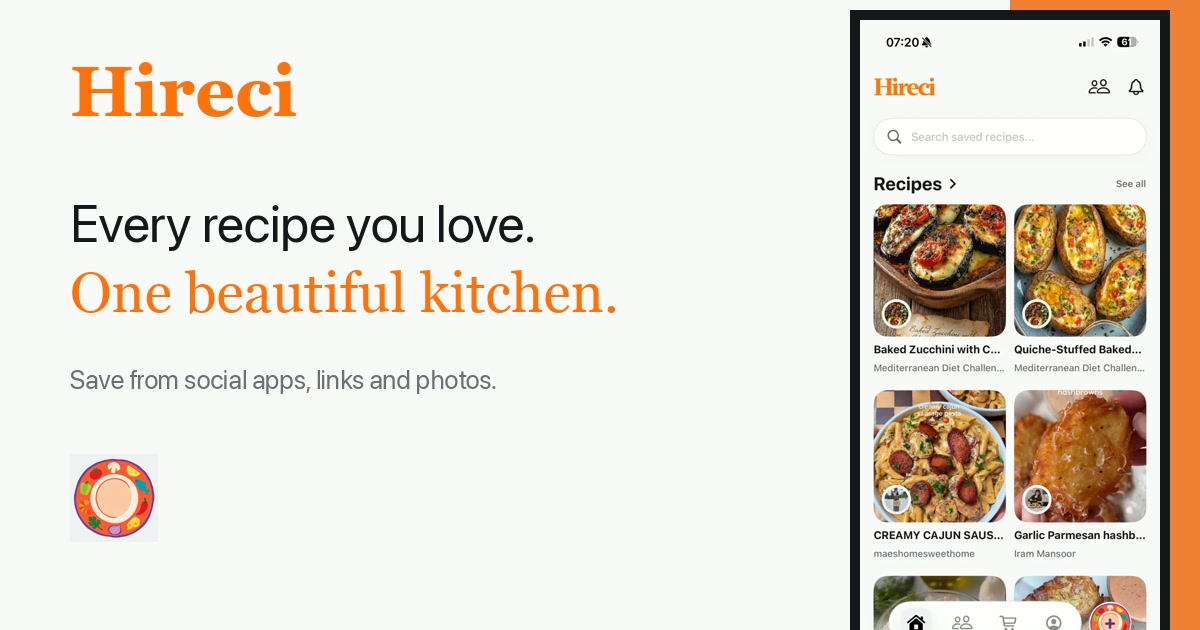
To organize saved recipes on your iPhone, import them all into one app, tag each recipe by how you cook, and delete the duplicates. Once every recipe lives in the same searchable collection, finding "that pasta from last month" takes seconds instead of a scroll through three apps.
Think about where your recipes live right now. A few in Instagram's saved posts. A TikTok favorite or two. Screenshots in the camera roll, mixed in with everything else. A link someone texted you months ago. Maybe a recipe blog bookmarked in the browser. Each one felt worth keeping at the time, and each one is now effectively lost. Organizing is not about being tidy. It is about making the collection usable when dinner needs deciding.
Gather the scattered copies
Before organizing anything, collect. Open each place you stash recipes and make a list: Instagram saved posts, TikTok favorites, camera-roll screenshots, the notes app, browser bookmarks, and links buried in message threads. Most people find forty or more in under an hour.
Do not try to organize while you gather. Sorting and collecting are different jobs, and mixing them is how the project stalls on recipe number six. Right now you are only answering one question: where are my recipes?
Bring them into one collection
Now move everything into Hireci. Paste the link for each saved social post and let the import turn it into an editable recipe. A recipe converter handles the awkward formats for you: the Reel becomes ingredients and steps, the screenshot becomes text you can search, the blog link becomes a clean copy without the life story.
For recipes that started on food blogs, our guide to saving recipes from websites covers the import and the check against the source. Work through your list in batches of ten. It goes faster than you expect, and each batch makes the collection more useful.
Delete the duplicates
Gathering always surfaces duplicates: the same carbonara saved from two creators, the same soup screenshotted twice. Duplicates make search useless, because you can never tell which copy is the good one.
For each pair, keep the version with complete quantities and clear steps, and delete the other. If both have something worth keeping, merge the useful detail into one copy with a note, then delete the spare. Be decisive. A collection of eighty recipes you trust beats two hundred you have to squint at.
Let search do the remembering
With everything imported, tagged, and deduped, you can stop memorizing where things are. Search "chicken" and see every option at once. Filter by "weeknight" when it is already six o'clock. Browse "weekend project" on a Saturday morning when you feel like cooking.
This is the payoff for the afternoon of organizing. The collection stops being a pile of good intentions and starts answering the daily question: what should I cook tonight?
The collection is done when
- Every saved recipe is imported, not just linked.
- Each recipe has at least one tag.
- No dish appears twice.
- You can find any recipe in under thirty seconds.