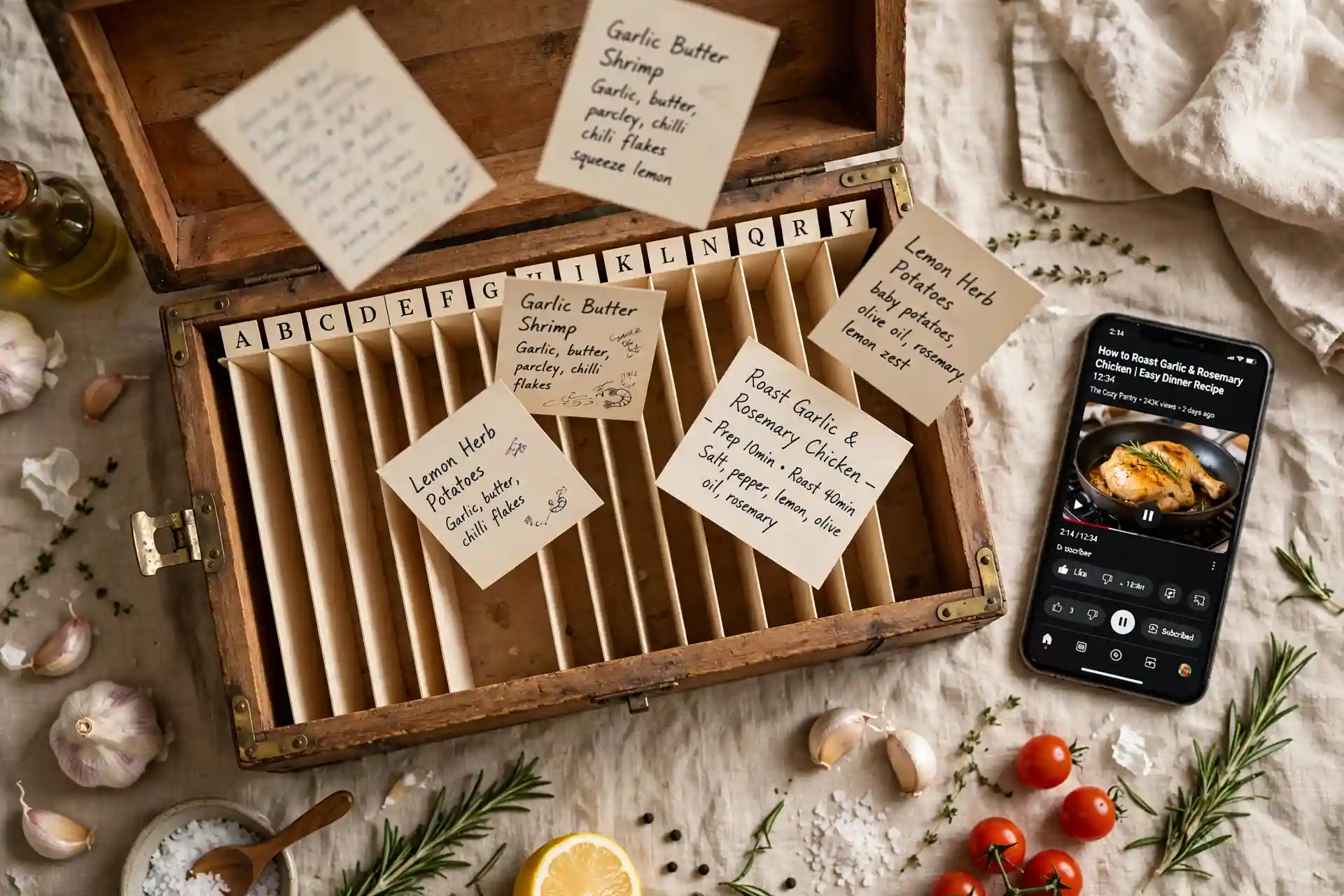
A recipe keeper app gives every recipe you save a permanent, searchable home. Instead of recipes sitting in TikTok saves, Instagram bookmarks, screenshots and browser tabs, the app turns each one into a real recipe — name, ingredients, steps — filed in one cookbook you can search in seconds. No more rewatching videos to find an ingredient list.
Most people don't lose recipes because they're careless. They lose them because the save button puts a link in a pile, and piles are where things go to be forgotten. If your saves are spread across your phone right now, our guide to finding your saved recipes helps you inventory them — this guide is about what to do with them next.
What a recipe keeper app actually is
A recipe keeper app does one job and does it completely: it owns your recipe collection. Every app with a save button will happily store links for you. A keeper turns those saves into something you can cook from. The difference matters.
- A save is a bookmark. TikTok saves, Instagram bookmarks, Pinterest pins — they remember where something was, not what it was. If the video is deleted, your save is a dead link.
- A recipe is a document. It has a name, an ingredient list with amounts, and steps in order. You can read it, edit it, print it, and cook from it without reopening the original video.
- A keeper is the place recipes live. It converts saves into real recipes and files them in one searchable cookbook, so "that pasta thing from March" takes five seconds to find instead of an hour of scrolling.
People mix the keeper up with two cousins. A recipe planner app arranges your recipes into a weekly plan and builds a grocery list — that's a different job, and it only works if the keeper job is done first. An organizer feature inside another app usually just makes folders for links. A real keeper gives you actual recipes, not better-filed links.
Where your recipes are actually hiding
Before you set up a keeper, it helps to see the full mess. Open your phone and count the places recipes are stashed. For most people it looks like this:
- TikTok saves — the biggest pile, ordered newest-first, no search, no names.
- Instagram bookmarks — sorted into collections if you were ambitious once, forgotten since.
- Camera roll screenshots — recipe screenshots mixed in with boarding passes and parking spots.
- YouTube watch-later / liked videos — full of cooking videos you'll rewatch someday.
- Browser tabs and reading list — recipe blog posts opened on the train and never closed.
- Notes apps and chat messages — links you sent yourself or a friend "so I don't lose it."
None of these places is searchable by ingredient, none of them survives the original video being deleted, and none of them talks to the others. That's not a collection — it's six junk drawers. A recipe keeper app's whole pitch is turning the six drawers into one filing cabinet.
How to get everything into one library
Moving everything over sounds like a weekend project. Done in the right order it takes about half an hour. The trick is to import first and organize later — the opposite order is why people give up.
1. Start with the biggest pile. For most people that's TikTok saves. Our guide to saving TikTok recipes without losing them walks through it, but the short version: copy each video link into the importer and let the app pull out the recipe. Don't watch them again — the point is to never need to.
2. Import links before screenshots. Links are faster because the app can read the recipe page or video description directly. Pastes from Instagram, YouTube, Pinterest and recipe websites all go through the same import flow. Hireci's recipe converter handles all of these: paste a link, get back a real recipe with ingredients and steps.
3. Batch the screenshots. Screenshots are the slowest to import because they need reading rather than linking, so save them for last. Work through your camera roll oldest-first, import each recipe screenshot, and delete the original as you go. Your camera roll will visibly shrink, which is its own motivation. Our guide to turning screenshots into recipes covers the camera-roll workflow in detail.
4. Don't aim for perfection. An imported recipe with a decent name beats a perfect recipe you never imported. You can fix ingredient amounts and steps later when you actually cook it. The goal of import day is simple: everything in one place, findable. Refinement happens naturally over the first few months of cooking.
Organize it so you can find anything in ten seconds
Once the recipes are in one library, a little structure goes a long way. You don't need a taxonomy — you need answers to three questions you ask in the kitchen.
- "What did I call it?" Give every recipe a name you'd actually search for: "creamy garlic pasta," not "TikTok pasta." Rename anything with a vague title the moment you import it. Future you will not remember what "amazing!!!" referred to.
- "When do I make it?" A few broad collections beat a hundred precise ones: Weeknights, Weekend projects, Sides, Desserts, To try. If a recipe doesn't fit one of these, "To try" holds it until you've cooked it once.
- "What goes in it?" This is where the keeper earns its keep over bookmarks: search by ingredient. "Chicken thighs" should surface every recipe that uses them. Our organizing guide walks through naming and collections if you want the full system.
One more habit that pays off: delete duplicates as you spot them. The same viral pasta recipe saved three times from three creators is one recipe with three entries. Pick the best version, keep your notes on it, delete the rest. A keeper with 80 real recipes beats a keeper with 200 entries where half are copies.
And here's the part people skip: the keeper is what makes everything else possible. Once your recipes are real, searchable entries, meal planning from saved recipes becomes pick-five-dishes instead of an excavation. Keeping is the foundation; planning is the house built on it.
What to look for in a recipe keeper app
Not every app that says "keeper" does the real job. Before you commit your whole collection, check for these:
- It imports from where your recipes actually are. TikTok, Instagram, YouTube, Pinterest, screenshots, web links — if your saves live somewhere the app can't reach, you'll keep two collections forever. Check the import list against your own biggest pile first.
- It produces real recipes, not stored links. The test: can you read the full ingredient list and steps without internet, without opening the original video? If the app needs the source page to show you the recipe, it's a bookmark manager with nice branding.
- Search actually works. Search by name, by ingredient, by collection. Open the app in the grocery store and try "chicken thighs" — if it can't do that, it's a prettier junk drawer.
- Your collection survives the app. Look for export or at least a real account backup. A keeper that traps your recipes inside itself is solving the TikTok problem by recreating it.
- It respects the phone. Importing should work from the share sheet, the list should be readable one-handed in the kitchen, and the free tier should cover keeping — saving and organizing — without a subscription.
Hireci was built around exactly this job: import a link or screenshot from anywhere you save recipes, get back a real editable recipe with ingredients and steps, and keep it in a searchable cookbook on your iPhone. It's free, and the keeper is the core of the app rather than an afterthought.
Start your keeper today: the 30-minute setup
You don't need a free afternoon. Thirty focused minutes gets you a working recipe keeper with your most important recipes inside. Do it in this order:
Minutes 0–5: pick your sources. List the three places most of your recipes live. For most people: TikTok saves, Instagram bookmarks, camera roll screenshots. You're only doing these three today — the rest can wait for a rainy day.
Minutes 5–20: import the best, not everything. Scroll each source and import only recipes you'd genuinely cook this month. Aim for 15–25 total. The other 200 saves aren't going anywhere; a small keeper you use beats a complete one you never open.
Minutes 20–30: name and file. Rename anything vague, drop each recipe into one of five collections, and delete the duplicates you spot. Then cook one of them this week — a keeper proves itself the first time you find a recipe in five seconds.
Your keeper setup checklist
- Three biggest save sources identified — no more.
- 15–25 recipes imported as real recipes, not links.
- Every recipe has a name you'd actually search for.
- Five or fewer collections; everything has a home.
- Duplicates deleted, best version kept.
- One imported recipe cooked this week to prove the system.
That's the whole job. Saves are where recipes go to be forgotten; a keeper is where they go to be cooked. Start with the 25 recipes you'd actually make, and let the rest migrate over whenever you stumble across them — a good recipe keeper app makes the import fast enough that there's no reason to leave a save behind.
Get the app and import your first recipe — your TikTok saves will still be there when you're done, but you won't need them anymore.
Frequently asked questions
What is a recipe keeper app?
A recipe keeper app is an app that gives every recipe you save a permanent, searchable home. Instead of your recipes sitting in TikTok saves, Instagram bookmarks, screenshots and browser tabs, the app turns each one into a real recipe with a name, ingredients and steps, filed in one cookbook you can search.
Is there a free recipe keeper app for iPhone?
Yes, there are several free recipe keeper apps for iPhone, and most make money on premium extras like meal planning or nutrition tracking. Hireci is free on iPhone and handles the core keeper job: importing recipes from links and screenshots as real, searchable recipes.
What is the difference between a recipe keeper app and a recipe planner app?
A recipe keeper app stores and organizes your recipes so you can find them whenever you want to cook. A recipe planner app takes the next step and arranges those recipes into a weekly plan with a grocery list. Keeping comes first: you cannot plan from recipes you cannot find.
How do I get my TikTok recipes into a recipe keeper app?
Copy the link to the TikTok video and paste it into the app's importer. A good recipe keeper app extracts the dish name, ingredients and steps into a real recipe entry instead of storing just the link. Share-sheet importing is even faster: tap Share on the video and send it straight to the app.
Can a recipe keeper app import screenshots of recipes?
Yes, most keeper apps can read recipe screenshots from your camera roll and convert them into editable recipes. This is how you rescue the hundreds of screenshots that pile up in your photos: import them, give each one a name, and delete the original screenshot so your camera roll stops being your cookbook.
What happens to my saved recipes if TikTok or Instagram deletes the video?
If you only saved the video, the recipe is gone with it: saves and bookmarks are links, not copies. That is the main argument for a recipe keeper app. Once a recipe is imported, you own a copy of the ingredients and steps in your own cookbook, so it survives deleted videos, banned accounts and apps that change their rules.