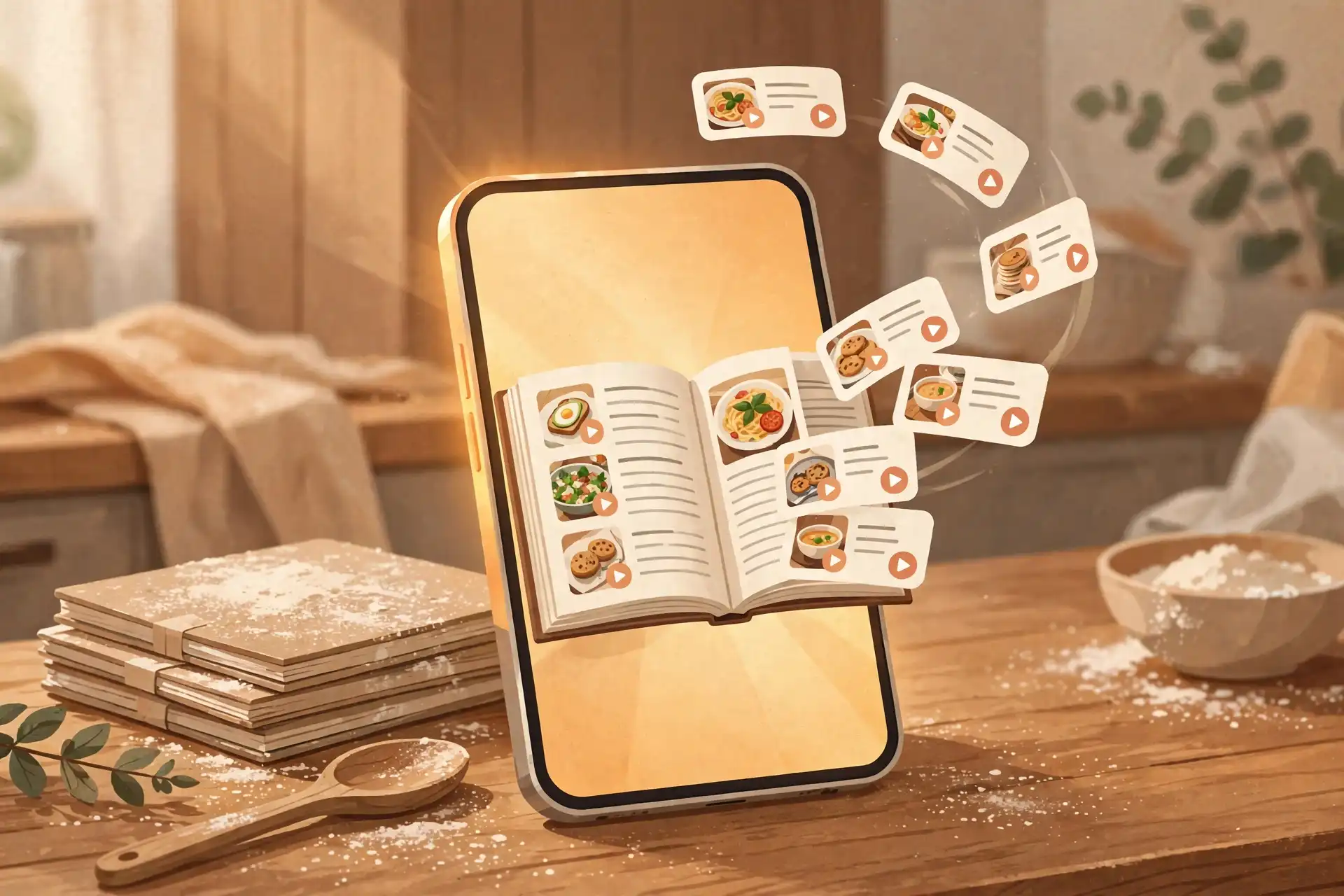
A recipe book app takes the recipes you've saved as links across TikTok, Instagram, Pinterest and screenshots, and converts them into a single digital cookbook that is fully yours — searchable, editable, and organized the way you cook. Unlike a folder of saved links, the cookbook doesn't rot: videos get deleted and apps reorder your saves, but your book keeps every recipe with real ingredients and steps. The whole point is that you can find a recipe in seconds on a Tuesday night instead of scrolling for ten minutes.
If your recipes are still sitting in five different apps, you're holding raw material, not a cookbook. This guide shows you how to convert that raw material — links, bookmarks, screenshots — into a finished book. It's the natural next step after learning where your saved recipes even are.
What is a recipe book app?
A recipe book app converts your scattered saved links into one searchable digital cookbook — every recipe with a name, real ingredients, and real steps, organized into collections you can search in seconds.
It does three jobs, in order:
- Convert: it turns a link, bookmark or screenshot into a real recipe. The app pulls the ingredients and steps out of the post so you're not rewatching a 60-second video to remember whether it was two eggs or three.
- Organize: your recipes land in collections — weeknight dinners, 15-minute meals, baking — with a search box that actually searches the recipe text, not just the title.
- Keep: the book syncs to your account, so it survives a phone upgrade, a deleted TikTok video, or an Instagram feed that buried your saves three taps deep.
This is the step that comes after simply storing recipes. A recipe keeper app stores and organizes the recipes you save so you can find them later; a recipe book app finishes the job by turning those saves into a self-contained cookbook you'd actually cook from. In practice most keeper apps — Hireci included — do both.
Why aren't my saved links a cookbook already?
Because a link is a pointer, not a recipe. A pointer can vanish, move, or become impossible to find — a recipe in your own book can't.
Three concrete things go wrong with link-saves:
1. Links die. Creators delete videos. Accounts get removed. A TikTok recipe that took you ten seconds to save can take zero seconds to disappear — and when it does, the whole recipe goes with it. If the video's gone, your save is an empty thumbnail. Deleted posts are also why a recipe converter matters: it extracts the recipe text at the moment you save, so you own a copy that outlives the post.
2. You can't search inside saves. TikTok and Instagram save folders show you thumbnails and captions. Searching for "chicken" across 300 saved videos means scrolling through 300 saved videos. A cookbook searches ingredients, tags and names in under a second.
3. Saves have no structure. A saved link doesn't know how many servings it makes, doesn't scale for two or six people, and can't merge into a grocery list. It sits there until you need it — and then you can't find it.
The honest math: if you've saved 200 recipes across 4 apps, you probably cook from fewer than 10 of them. The other 190 aren't a cookbook; they're a junk drawer with good intentions.
How do I turn saved links into a recipe book?
You convert every link into a real recipe with a name, ingredients and steps — then sort them into collections. Five steps, and the whole thing takes about a weekend.
1. Gather every save in one place. Open your TikTok saves, Instagram bookmarks, Pinterest boards and screenshot roll. Don't organize yet — just make one pile. Most people are done with this step in 20 minutes.
2. Convert links to real recipes. Copy each link into Hireci and it becomes an editable recipe with ingredients and steps — about 2 minutes per recipe once you get the rhythm. For photos of cards and pages, our screenshot guide shows how to get clean results.
3. Name every recipe so search works. "Sheet-pan chicken and veggies" beats "TikTok pasta lol". Put the main ingredient first and skip the jokes: your future self is searching for "chicken", not "lol". This single habit makes the difference between a cookbook and a junk drawer.
4. Sort into 4 to 6 collections. Start with these: Weeknight dinners, 15-minute meals, Weekend projects, Baking, Sides. Five collections cover 90 percent of real cooking. You can always add "Party food" or "Holiday baking" later.
5. Delete the original saves. Once a recipe is converted and filed, remove the original save from TikTok or Instagram. Two homes for one recipe means you'll never know which one is current. One recipe, one home.
Do the math: 40 recipes at 2 minutes each is 80 minutes of converting, plus about 15 minutes of naming and sorting. Call it 95 minutes — one Sunday afternoon — for a finished book of 40 recipes.
How should I organize it so I actually cook from it?
Organize by when you'd cook the dish, not by cuisine — and pair that with names and tags that make search work.
Collections by occasion, not by country. "Weeknight dinners" and "15-minute meals" answer the question you're actually asking at 6pm: what can I make tonight? "Italian" doesn't. Cuisine-based shelves look tidy and never get used; occasion-based ones get opened daily.
Tags by ingredient and method. Tag recipes with their main ingredient (chicken, salmon, chickpeas) and method (one-pan, slow-cooker, no-cook). Six tags beat sixty — tags only work if you can remember them all. Our organizing guide walks through a naming and collection system that survives real use.
Search is the real interface. A good cookbook gets searched, not browsed. After step 3 above, typing "chicken" should surface every chicken dish you own in under a second. Test it: if your top 5 most-searched ingredients don't return the right recipes, rename them.
Keep the bar low for new additions. The enemy of a maintained cookbook is a perfect filing system nobody wants to feed. A recipe in the wrong collection is infinitely more useful than a recipe still sitting in your TikTok saves.
How do I keep the cookbook alive after it's built?
Five minutes a week. Convert new saves before the pile grows back, and the book stays finished instead of slowly reverting to a junk drawer.
The 20-save rule. Never let unconverted saves exceed 20. Pick one weekly moment — Sunday coffee works — and convert everything you saved that week. Twenty saves take about 40 minutes at 2 minutes each; spread over a week it's invisible.
Back it up by default. Your cookbook lives in your account, not just on the phone. In Hireci your recipes sync to your account, so a lost or upgraded phone doesn't cost you a single recipe — sign in on the new device and the whole book is there.
Audit once a year. Every January, flip through your collections and delete recipes you never made. A cookbook of 60 recipes you cook from beats a book of 300 you never open. Deleting is maintenance, not loss.
Your cookbook checklist
- Every recipe is a real recipe with a name, ingredients and steps — not a link.
- Collections are 4 to 6, organized by occasion (Weeknight dinners, 15-minute meals).
- Recipe names start with the main ingredient so search works.
- Original saves were deleted — one recipe, one home.
- Unconverted saves never exceed 20 at any time.
- The book syncs to your account, so a new phone doesn't start you over.
That's the whole project: convert, organize, maintain. The saves you already have are raw material; a recipe book app is the thing that turns them into a cookbook. Start with the oldest 10 saves tonight — by next Sunday you'll have a book instead of a backlog.
Frequently asked questions
What is a recipe book app?
A recipe book app turns the recipes you have saved as links across TikTok, Instagram, Pinterest and screenshots into a single digital cookbook that is fully yours: searchable, editable, and organized the way you cook. Unlike a folder of saved links, the cookbook survives deleted videos and reordered feeds because every recipe lives in the app with real ingredients and steps.
How is a recipe book app different from a recipe keeper app?
A recipe keeper app stores and organizes the recipes you save so you can find them later. A recipe book app takes the next step: it converts your saved links into finished, self-contained recipes and arranges them into a personal cookbook. In practice most keeper apps do both — Hireci keeps your recipes and converts saves into real recipes with ingredients and steps.
Is a recipe book app free?
Many recipe book apps are free or have a free tier, with paid extras like nutrition tracking or premium collections. Hireci is free on iPhone and covers the whole loop: converting saved links into real recipes, organizing them into a cookbook, and syncing it across your devices.
Can a recipe book app save TikTok and Instagram recipes?
Yes, that is the main reason people get one. Copy a recipe video's link from TikTok or Instagram into Hireci and it becomes a real, editable recipe with ingredients and steps — not just a link that can disappear when the video is deleted.
Can I add handwritten or printed recipes to a recipe book app?
Yes. Photograph or screenshot the card or page and import it; the app extracts the text into a real recipe you can edit and search. Our guide to turning screenshots into recipes walks through getting clean results from photos of cards, cookbook pages and magazine clippings.
What happens to my cookbook if I lose my phone?
Your cookbook is stored in your account, not just on the phone. In Hireci your recipes sync to your account, so signing in on a new phone restores the whole book — every recipe, collection and note, exactly as you left it.