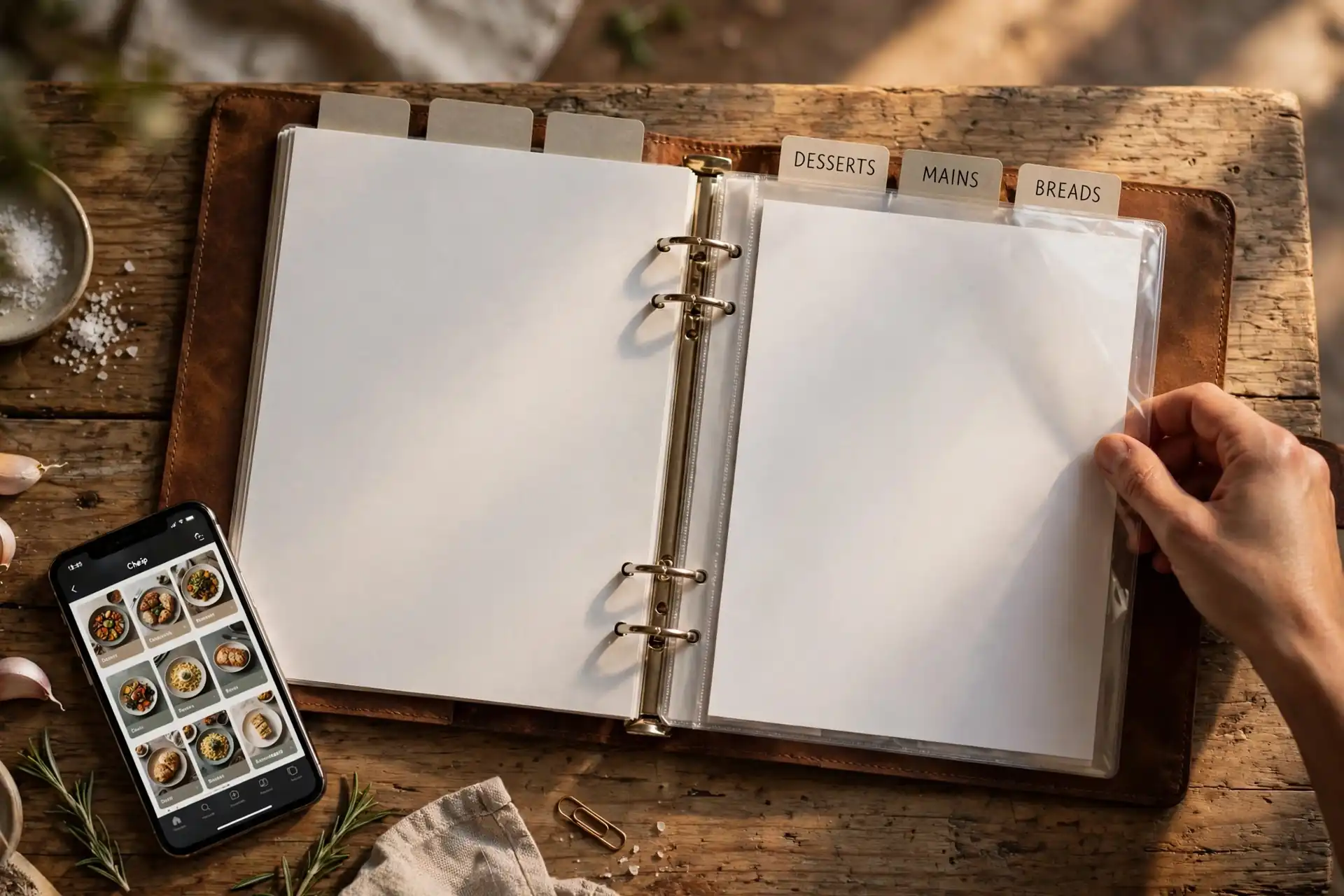
You create a recipe book in three moves: gather every recipe you've saved across your phone, convert each save into a real recipe with ingredients and steps, and file them into chapters you can browse. For about 50 saved recipes, the whole job takes one afternoon — roughly 2 to 3 hours. It sticks if you add each new save the day you find it, so the pile never rebuilds.
Here's the honest math: most home cooks have saved between 40 and 200 recipes across TikTok, Instagram, Pinterest, screenshots, and browser bookmarks. The number they can actually find and cook from is close to zero. That's not a motivation problem — it's a format problem. A saved link is not a recipe; it's a reminder of a recipe, and reminders rot. If you haven't done the sweep yet, our guide to finding your saved recipes on your phone walks through all four hiding places. This guide is about what comes next: converting the pile into a book.
What counts as a recipe book?
A recipe book is a collection of real, cookable recipes that you own — not a folder of links. Each entry has three things: a name you recognize, an ingredient list, and steps you can follow with flour on your hands. If any of the three is missing, you don't have a recipe yet; you have a lead.
Size matters, and the right size is smaller than you think. A starter book of 30 to 50 recipes covers a full month of dinners without repeating a dish. Past 200 recipes, a book needs chapters and search, or it becomes a second junk drawer. The goal for your first build: 50 recipes, tops. You'll cook from 50 far more than you'll ever cook from 500.
One more distinction that saves people months: a recipe book is not the same as a saved list. The keeper app is the system; the book is the result. Our guide to what a recipe book app does covers the tooling side — this guide is the method.
How do I gather every recipe I've saved?
Open four places and sweep them, one after another: TikTok Saves, Instagram Saved, your camera roll's screenshots, and your browser bookmarks. That's where 95 percent of saved recipes live.
Do the sweep with a timer. Twenty minutes is usually enough to find 40 to 120 recipes, and the count itself is motivating — most people underestimate their pile by half. Don't try to organize during the sweep. Just count and collect: share each save straight into your recipe app, or drop the links into one holding note.
The trap to avoid: copying URLs into Apple Notes or a spreadsheet. Notes stores links; it doesn't turn them into recipes. You're just moving the junk drawer to a bigger room. Gather straight into the app that will convert them — that's the next step.
What's the fastest way to turn saves into real recipes?
Import each link or screenshot into a recipe converter app. Hireci takes a TikTok or Instagram link — or a camera-roll screenshot — and returns an editable recipe with ingredients and steps. Budget about 2 minutes per recipe: 30 seconds for the import, 90 seconds to review it.
The review minute is the whole craft. Imported recipes need three checks: ingredient amounts, oven temperature, and timing. Videos often say "a handful" where the recipe needs a number, so open the original video once per recipe while you check — it takes seconds and catches the errors that ruin dinners. Our walkthroughs for TikTok and Instagram saves, plus the screenshot guide, show the exact taps. The recipe converter page explains what the import produces.
At 2 minutes a recipe, 50 recipes take about 100 minutes — one focused evening, or two lunch breaks. Do it in one batch if you can: batching keeps your naming consistent, and consistent names are what make the book searchable later. Retyping recipes by hand is where recipe books go to die.
How should I organize the chapters?
Use five to eight chapters named for how you actually cook — not by cuisine. "Italian" is a taxonomy; "Weeknight Dinners" is a plan. The chapters that work for almost everyone: Weeknight Dinners, Weekend Projects, Sides & Salads, Breakfasts, Baking & Desserts, and Drinks. Add a seventh only when you can name ten recipes that belong in it.
Two rules keep the chapters honest. First: any chapter with fewer than three recipes gets merged into its neighbor. A chapter of one is a label, not an organization system. Second: kill the duplicates now. If you saved the same garlic butter shrimp three times from three creators, keep the version with the clearest amounts and delete the other two. Most people find 10 to 20 percent of their pile is duplicates — deleting them feels like losing recipes, but it's the moment the book becomes usable.
Name every recipe by its dish — "Garlic Butter Shrimp" — and let tags or notes carry the source. You'll search for "shrimp" at 6pm, not for a creator's username. Our organizing guide goes deeper on naming and tags.
How do I keep my recipe book alive after the first build?
The two-minute rule: every time you save a new recipe, convert it the same day. A save that sits for a week joins the old pile; a save converted today joins the book. Two minutes, once, at the moment of inspiration — that's the entire maintenance system.
Then run a ten-minute audit once a month. Delete every recipe you haven't cooked and honestly won't: the 14-ingredient project you'll never start, the duplicate you missed, the "healthy" thing nobody in your house will eat. A recipe book gets better by shrinking. Most cooks end the first year with 60 to 90 recipes — a tighter book than they started with, and one they actually open.
If you cook from the book weekly, it pays you back fast: pick the week's meals from your own chapters and the grocery list practically writes itself. That's the same loop our meal planning guide describes — except now the recipes are yours.
Should my recipe book be digital or paper?
Digital for the full book, paper for the greatest hits. A digital book is searchable by ingredient — type "chicken thighs" and see every option — it backs up automatically, and it survives the day a creator deletes the video you saved. That's the format that does the daily work.
Paper earns its place for about ten recipes: the ones you cook monthly and know by heart but still check. Print one recipe per page, slip the frequent ones into plastic sleeves, and keep the binder near the stove, not on a shelf. A paper book you never open is decoration; ten laminated pages you actually splatter are a tool.
Your recipe-book checklist
- Four hiding places swept: TikTok, Instagram, screenshots, bookmarks.
- Every save converted into a real recipe with ingredients and steps.
- Duplicates deleted — one best version of each dish kept.
- Five to eight chapters, each holding at least three recipes.
- The two-minute rule running: new saves converted the same day.
- Ten favorites printed for the stove-side binder.
That's the system: sweep, convert, organize, maintain. One afternoon builds it; two minutes a day keeps it. And unlike the saves scattered across five apps, this book is yours — it survives deleted videos, dead links, and the next app you stop opening. Start with the sweep today; by dinner you'll have the first chapter done.
Frequently asked questions
How do I create my own recipe book?
Gather every recipe you've saved across your phone, convert each one into a real recipe with ingredients and steps, and file them into chapters you can browse. For about 50 saved recipes, the whole job takes one afternoon — roughly 2 to 3 hours. Use a recipe keeper app to do the converting, and add each new save the day you find it so the pile never rebuilds.
What is the best way to make a recipe book from my phone?
Use an app built for the job. A recipe keeper app like Hireci imports links and screenshots from TikTok, Instagram, and your camera roll and turns them into editable, searchable recipes — free on iPhone. Copying links into a notes app just moves the mess; the converter step is what turns saves into a book.
Can I create a recipe book from TikTok videos?
Yes. Paste the video link into a recipe converter app and it extracts the ingredients and steps into an editable recipe. Always open the original video once to verify amounts, temperatures, and timings — creators often say "a handful" where the recipe needs a number. Then file it into a chapter and delete the save.
How many recipes should a personal recipe book have?
Start with 30 to 50. That's a full month of dinners without repeating a dish, and it's small enough to actually use. Past 200 recipes a book needs chapters and search. Review monthly and delete what you haven't cooked — most cooks end the first year with 60 to 90 recipes they genuinely use.
Is there a free way to create a recipe book?
Yes — Hireci is free on iPhone and covers the whole loop: importing saves, converting them to recipes, and organizing them into chapters. Apple Notes is also free, but it stores links rather than real recipes, so you lose search-by-ingredient and one-tap serving scaling.
How is a personal recipe book different from saved recipes?
Saved recipes are pointers scattered across apps — they can vanish when a video is deleted, and you can't search them by ingredient. A recipe book is owned, editable, searchable, and organized into chapters. The difference is simple: saves are things you meant to cook; a book is things you can cook tonight.