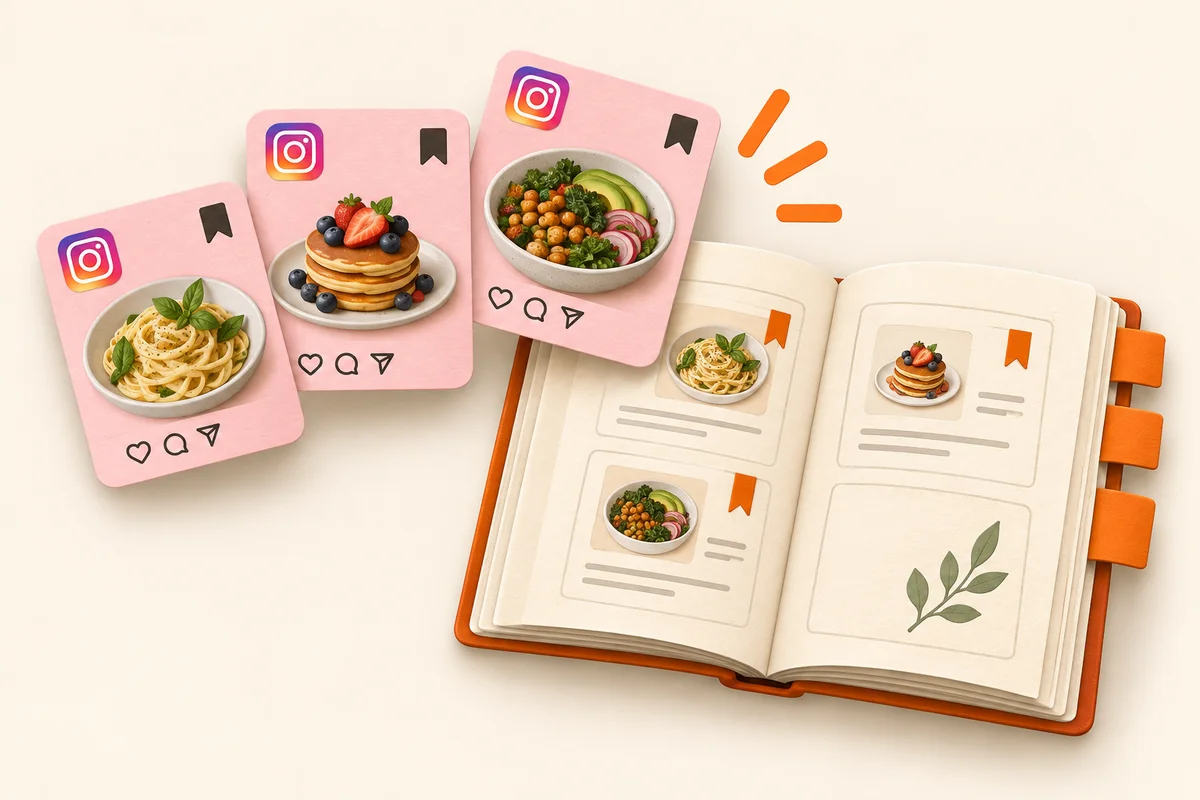
Instagram’s Saved feature keeps a pointer to a post, not a recipe you can use. To cook from it, share the Reel or post to Hireci — or paste its link — and keep the imported ingredients and directions as an editable recipe. The saved post is your bookmark; the recipe is what goes on the grocery list and into the meal plan.
Instagram is a recipe discovery machine and a recipe graveyard at the same time. The Saved collections fill up, the cooking doesn’t happen, and the details fade. This guide explains what Saved is good for, how to bring a post into Hireci as a real recipe, and how to turn that recipe into dinner.
What Instagram’s Saved actually keeps
Saved keeps a reference to the original post — nothing more. It doesn’t give you an ingredient list you can edit, a serving count you can change, or a way to add the dish to a grocery list. If the creator deletes the post or makes their account private, your saved bookmark quietly dies with it.
That doesn’t make Saved useless. It’s fine at what it does: holding a pointer to something you want to revisit. The mistake is treating the collection as a cookbook. A bookmark answers “where was that thing?” A recipe answers “what do I buy, how much, and what do I do next?” When you’re standing in the kitchen with flour on your hands, only the second question matters.
So use both, with a clear division of labor. Instagram keeps the inspiration — the creator’s technique, the plating, the idea. Hireci keeps the working recipe: the ingredients, the amounts, the steps, the version you’ll actually follow.
Save from Reels and posts without losing the details
When a public Reel or recipe post is worth keeping, open it and tap the paper-plane share icon, then Share to… to open the iOS share sheet. Select HIRECI to import the recipe. If Hireci is missing from the share row, copy the post’s link instead: in Hireci, choose Add a recipe → Paste a recipe link, tap Paste, then Analyze recipe.
Recipe details on Instagram hide in three places: the caption, the on-screen text in the video, and sometimes only in the comments. Before you close the post, make sure the imported recipe captured the amounts. Creators often write “full recipe in caption” while the video shows something slightly different — when they disagree, the caption usually wins, but add a note either way.
Our Instagram Recipe Converter tutorial walks through this import step by step, including what to do when a post won’t import and how to review the result. The import takes seconds; the review is what makes the recipe yours.
Turn a saved post into a recipe you can cook from
An imported recipe earns its place by being checkable. Open it in Hireci and run through the essentials: do the quantities match the number of servings? Are the units written clearly — teaspoons, not “a spoon”? Did the oven temperature and timing survive the import? Is there a step in the video (“rest the dough for an hour”) that never made it into the text?
Fix whatever is missing while the original post is still open. This is the one moment in the whole process where the source is one tap away — after this, you want a recipe that stands on its own. Then give it a searchable name. “Creamy tuscan chicken (serves 4)” beats “IG recipe” when you’re deciding what to cook next week.
From there, the recipe can do real work: adjust the servings for your table, add the ingredients to your grocery list, and put the dish on the meal plan. That workflow is covered in our guide to saving Instagram recipes with Hireci — the post becomes one line in your week instead of a tile in a collection.
The cook-ready checklist
- Servings match the table you’re cooking for.
- Every ingredient has a clear amount and unit.
- Oven temperature, timing and prep steps are included.
- Details from the video or comments are merged in.
- The recipe name is searchable six months from now.
A saved post is a promise; a recipe is a plan
Make importing the default the moment a post catches your eye. It takes less time than reading the comments, and it moves the recipe out of a feed you can’t control and into a library you own.
Then triage your Saved collections once a week. For each saved food post, decide: did it become a recipe in Hireci? If yes, unsave the post — keeping both just means two places to look. If not, import it now or let it go. A Saved collection that stays small and honest is a useful inspiration shelf; one with three hundred posts is a reminder of dinners you never made.
The recipes you keep this way stop depending on Instagram at all. The creator can delete the post, change their handle, or disappear — your ingredients, steps and grocery list don’t notice. That’s what it means for a saved recipe to be truly saved.