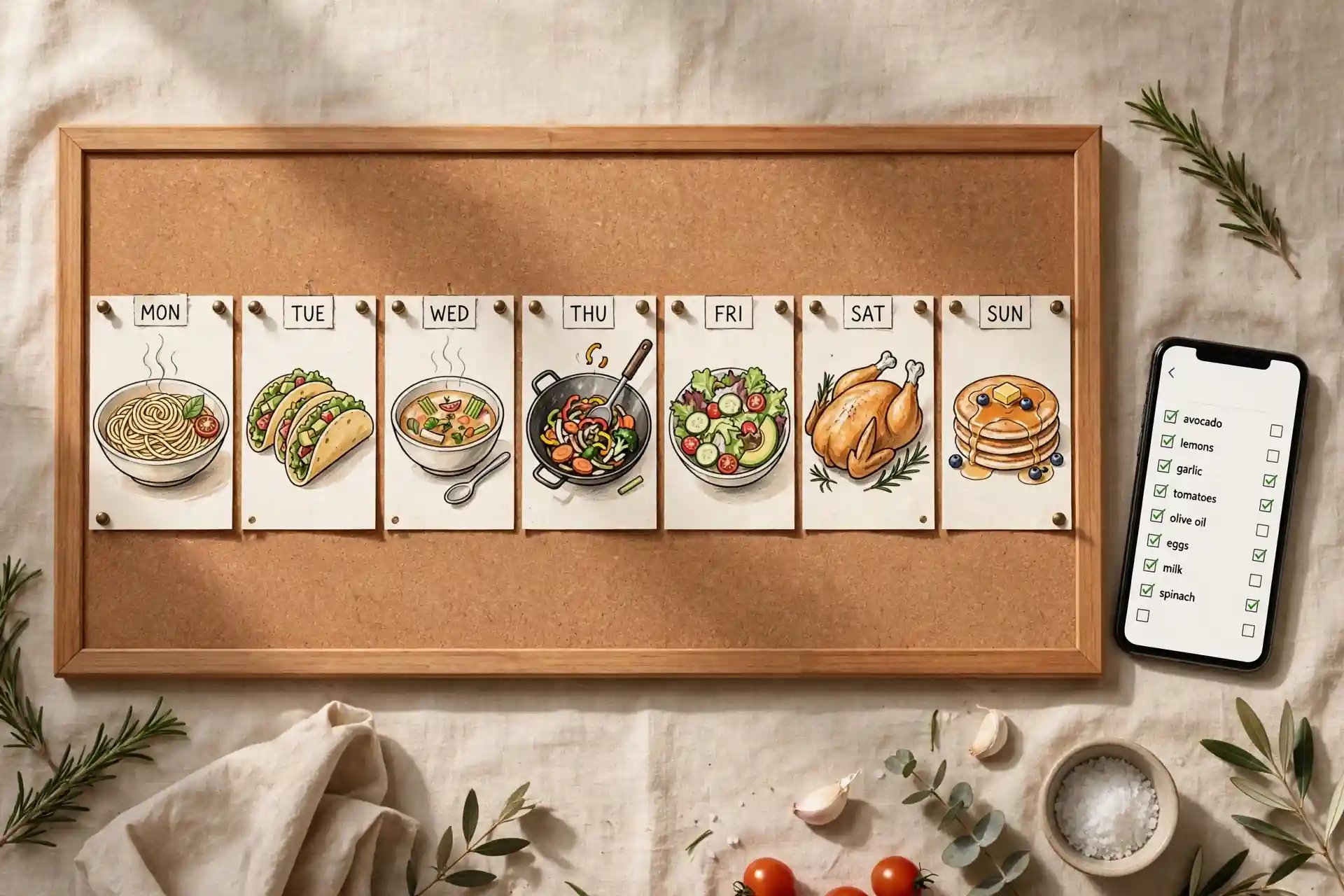
A recipe planner app takes recipes you have already saved and arranges them into a plan — which dish on which day — then turns that plan into a grocery list. It does three jobs: it keeps your recipes organized, it helps you choose the week's meals in one sitting, and it makes sure you buy everything those meals need in one trip.
Most people don't fail at meal planning because they lack recipes. They fail because the recipes live in five different apps and none of them talk to a shopping list. If that's your situation, start with our guide to finding your saved recipes, then come back here and put them to work.
What a recipe planner app actually does
Strip away the marketing and a recipe planner app runs one loop:
- Keep: your recipes live in one searchable library instead of scattered across TikTok saves, Instagram bookmarks, screenshots and browser tabs.
- Plan: once a week you drag recipes onto days. Monday gets the pasta, Wednesday gets the tacos. The week is decided in one sitting.
- Shop: the app combines the ingredients from the week's recipes into a single grocery list. One trip, no forgotten items.
What it does not do is pull the recipe out of the video for you. Saving a recipe and planning from it are two separate steps, and most people get stuck on the first one — they can't find the recipe again when they need it. That's the job a recipe converter handles: turning a link or screenshot into a real, editable recipe you own. The planner takes it from there.
How to plan a week of meals in 20 minutes
You don't need a spreadsheet. You need twenty quiet minutes and this order of operations:
1. Pick one planning day. Sunday works for most people, but any day you already shop works. The point is that planning and shopping happen back to back, while the plan is fresh.
2. Plan five dinners, not seven. Five planned dinners, one night of leftovers, one night that's completely open — takeout, eating out, or whatever's left. A plan that survives a busy week beats a perfect one that falls apart by Wednesday.
3. Check the calendar first. Busy Wednesday gets the 15-minute meal. The night you have an hour gets the one that needs the oven. Match the meal to the evening, not the other way around.
4. Pull from your saved recipes first. This is what the saves are for. Open your cookbook and pick meals you'd genuinely like to eat this week. One new recipe per week is plenty — the rest should be easy wins you already know or quick assembly meals.
5. Write the grocery list from the plan. Go recipe by recipe and list what you need. Cross off what you already have. This is the step the app automates, but doing it by hand once teaches you what the app is doing for you.
6. Keep the list on your phone. Paper lists die in coat pockets. A list on your phone is there when you're standing in the produce aisle wondering if you needed cilantro or parsley.
A 5-night plan you can steal
Here's a template week that works for most households. Notice how the ingredients overlap — that's the whole trick:
- Monday: sheet-pan chicken and vegetables. One pan, almost no cleanup.
- Tuesday: pasta with a sauce you like. The fastest weeknight there is.
- Wednesday: tacos. Fifteen minutes, and it works with whatever's left in the fridge.
- Thursday: stir-fry. Deliberately scheduled after taco night so the leftover vegetables get used.
- Friday: soup or a frittata to finish the week's odds and ends.
Weekend stays open: leftovers, the one new recipe you saved this week, or dinner out. Five planned dinners, roughly a dozen distinct fresh items to buy, and almost nothing wasted. Swap any night for one of your own saved recipes — the structure holds regardless of the dishes.
For more on building the list side of this, see our guide to meal planning from saved recipes.
What to look for in a recipe planner app
Not every app with "planner" in the description does all three jobs. Before you commit, check:
- It imports from where you actually save recipes. If your recipes live in TikTok videos, Instagram reels and screenshots, the app needs to turn those into real recipes — not just store links. Hireci imports links and screenshots as editable recipes with ingredients and steps.
- The grocery list comes from the plan. You should never type ingredients twice. Choose the week's meals and the list should build itself.
- Days are flexible. Plans change. You want to drag Thursday's dinner to Friday without retyping anything.
- Servings scale. A recipe for six should become dinner for two without you doing the math on a sticky note. Our guide to converting recipe servings explains the arithmetic; a good app does it for you.
- It works in the store. The list lives on your phone, readable with one hand while the other holds a basket.
The quickest way to start this week
If your recipes are already scattered, don't try to plan and organize in the same sitting. Do it in this order:
First, get the recipes into one cookbook. Import the links and screenshots you've been saving so each one is a real recipe with a name — not a video you'll never rewatch. Our organizing guide walks through naming and collections.
Then, plan this week only. Pick five dinners from what you just organized. Don't plan next week yet. One good week teaches you more than a perfect month on paper.
Finally, let the list come from the plan. Whether the app builds it or you write it by hand, the rule is the same: the list is a consequence of the plan, not a separate creative exercise.
Your first-week checklist
- Five dinners picked — no more, no less.
- The busiest night got the fastest meal.
- The grocery list was built from the plan, not from memory.
- One flex night is deliberately unplanned.
- Every recipe is a real recipe in your cookbook, not a link you'll never open.
That's the whole system. Saving is step one, planning is step two, and a recipe planner app is the thing that connects them. Start this Sunday — by Friday you'll know exactly what the app should be doing for you, because you'll have done it once by hand.
Frequently asked questions
What is a recipe planner app?
A recipe planner app turns the recipes you have saved into a weekly meal plan and a grocery list. It does three jobs: it keeps your recipes organized in one place, it helps you choose the week's meals in one sitting, and it builds a shopping list from those meals so you buy everything in one trip.
Is a recipe planner app free?
Many recipe planner apps are free or have a free tier, and some charge for extras like nutrition tracking or automatic grocery ordering. Hireci is free on iPhone and covers the whole loop: saving recipes, organizing them, and planning from them.
What is the difference between a recipe planner app and a recipe keeper app?
A recipe keeper app stores and organizes your recipes so you can find them later. A recipe planner app adds the next step: it arranges those recipes into a weekly plan and generates a grocery list from the plan. Most good planner apps include a keeper underneath.
How do I start meal planning if I hate cooking every night?
You don't have to cook every night. Plan five dinners instead of seven, lean on leftovers for at least one night, and leave one night completely open for takeout or eating out. A plan that survives a busy week beats a perfect one that falls apart by Wednesday.
Can a recipe planner app make a grocery list for me?
Yes, that is one of its three core jobs. Once your week's meals are chosen, the app combines the ingredients across all the recipes into a single shopping list, so you don't have to read through five recipes in the store aisle.
How is a recipe planner app different from saving recipes on TikTok or Instagram?
TikTok and Instagram store links and videos; they don't help you decide what to cook or what to buy. A recipe planner app closes the loop: the saved recipes become real, editable recipes, those recipes become a weekly plan, and the plan becomes a grocery list.